

Use Cases
This feature is particularly suited to the following scenarios:- Automatic sending of a summary of the conversation
- Notification to relevant teams following a customer interaction
- Structured transmission of specific requests identified during the call
- Automated escalation for issues requiring specific intervention
Configuration Parameters
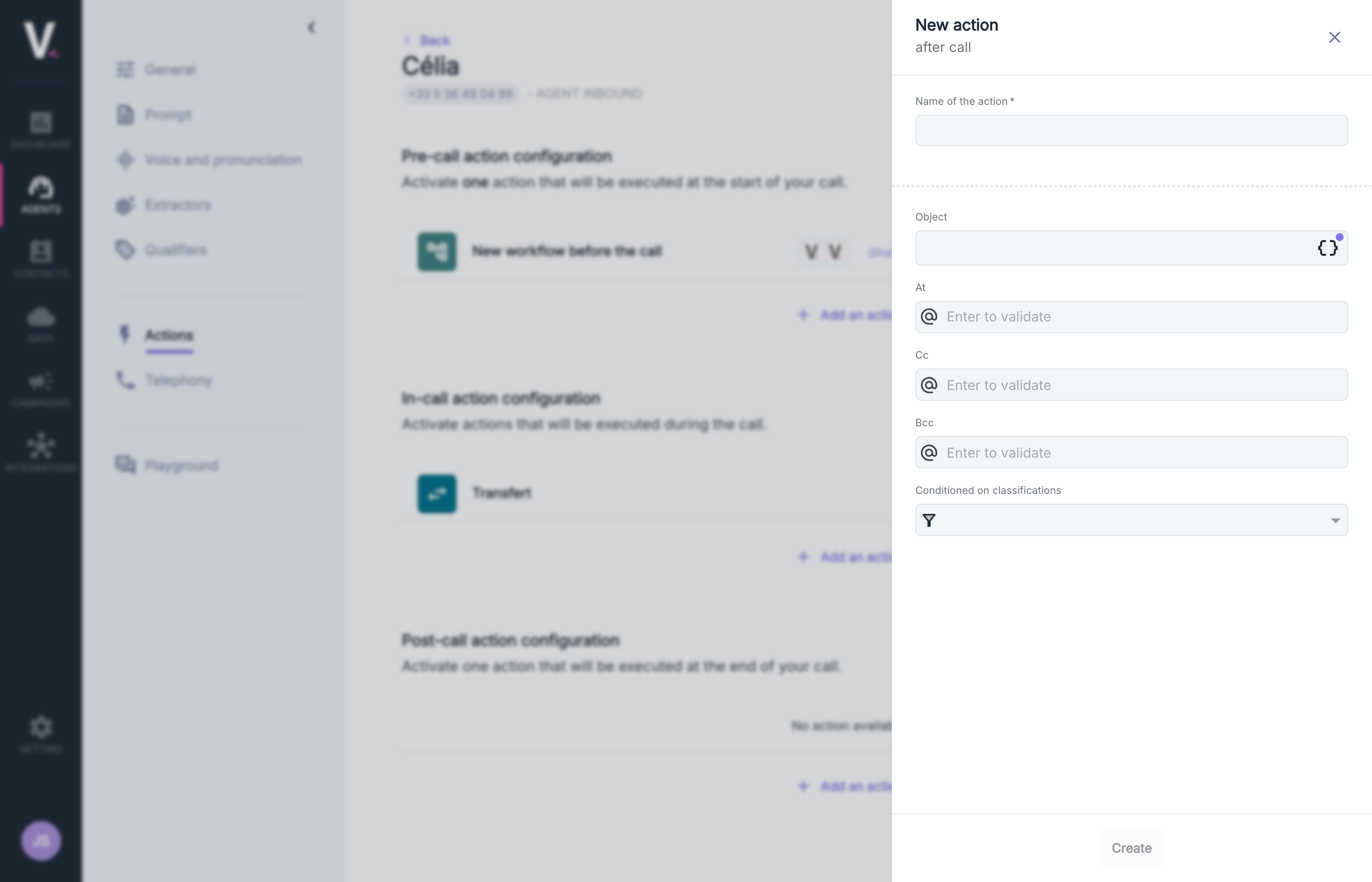
Creating an email sending action requires defining the following parameters:Subject Configuration

Conditional Configuration

- Select one or more relevant call categories from the dropdown menu
- The email will only be sent if the call matches the defined call categories
- This feature is particularly effective in targeting specific interaction scenarios
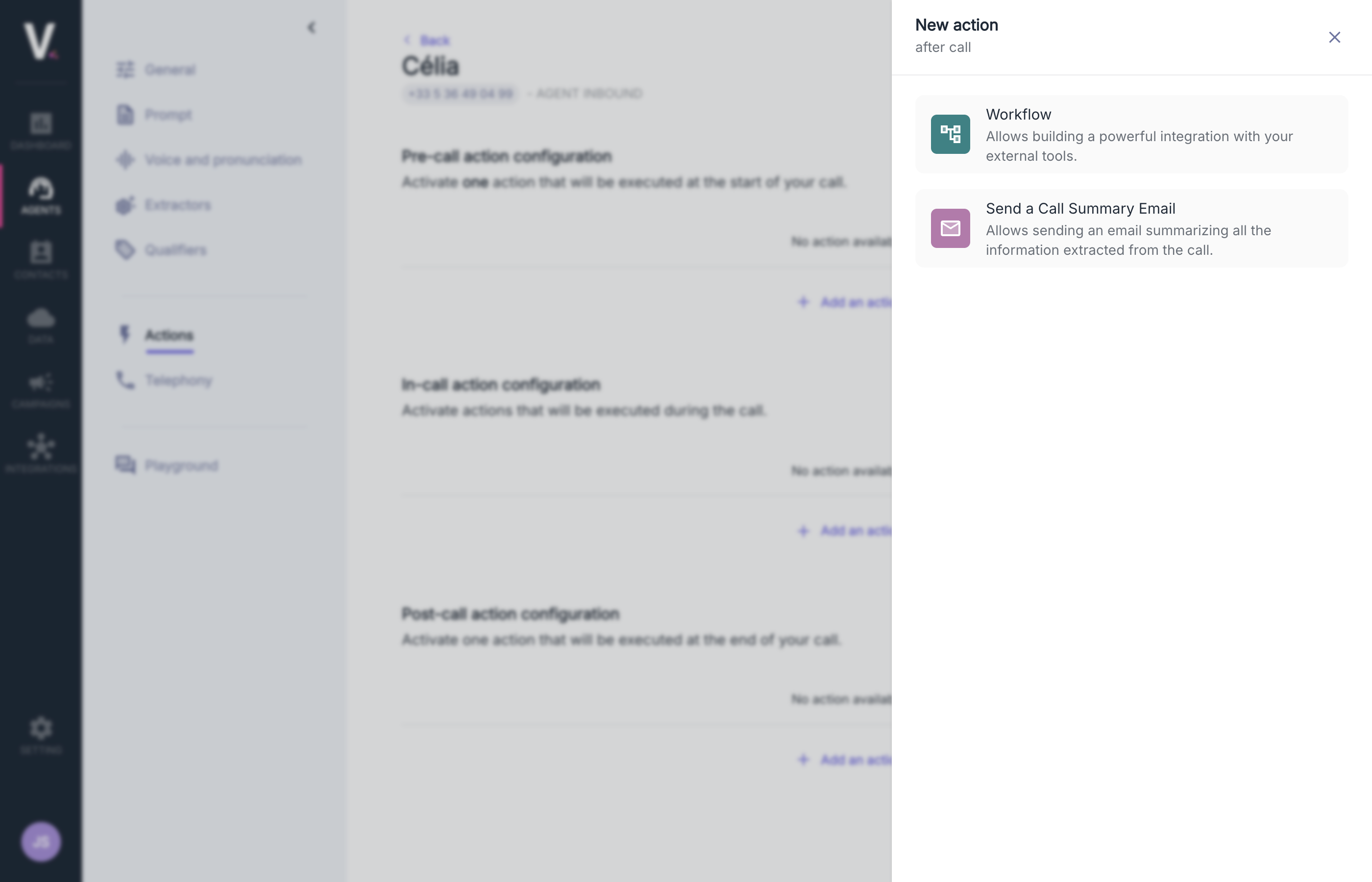
Workflow
This feature allows for the development of sophisticated integrations with your external systems after the end of your communications.Configure Workflows After the Call
See how to configure workflows