Pin info to the side panel. Or add any other component.

Make Your First Call

For your agent to be reachable, you must configure the telephony options, see the Telephony section.
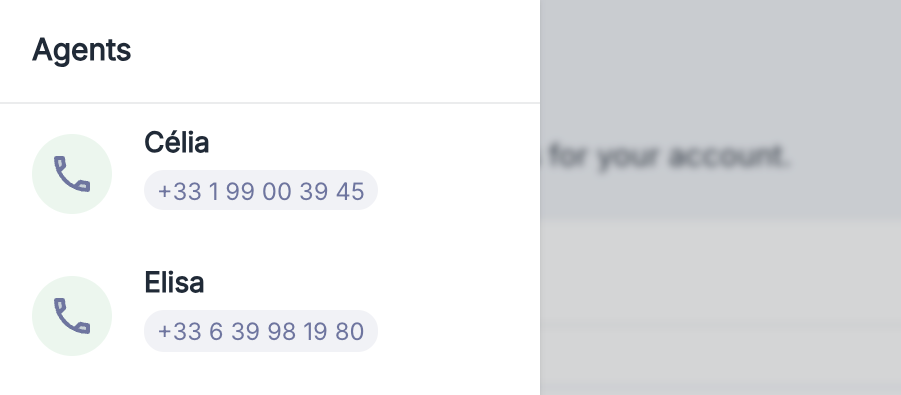
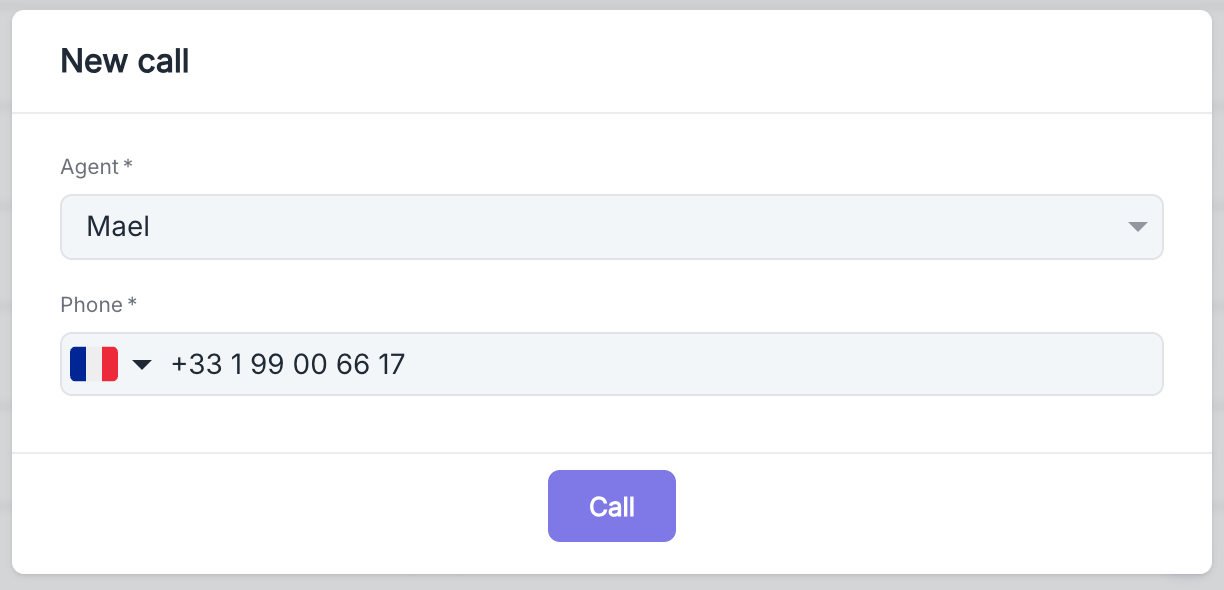
To make your first incoming call, simply call the number associated with your agent.
After the Call

Every phone conversation is automatically recorded and accessible for analysis. Navigate to your dashboard or the agent page to find the call history. Just select the relevant call from the list to access a detailed view of the exchange.
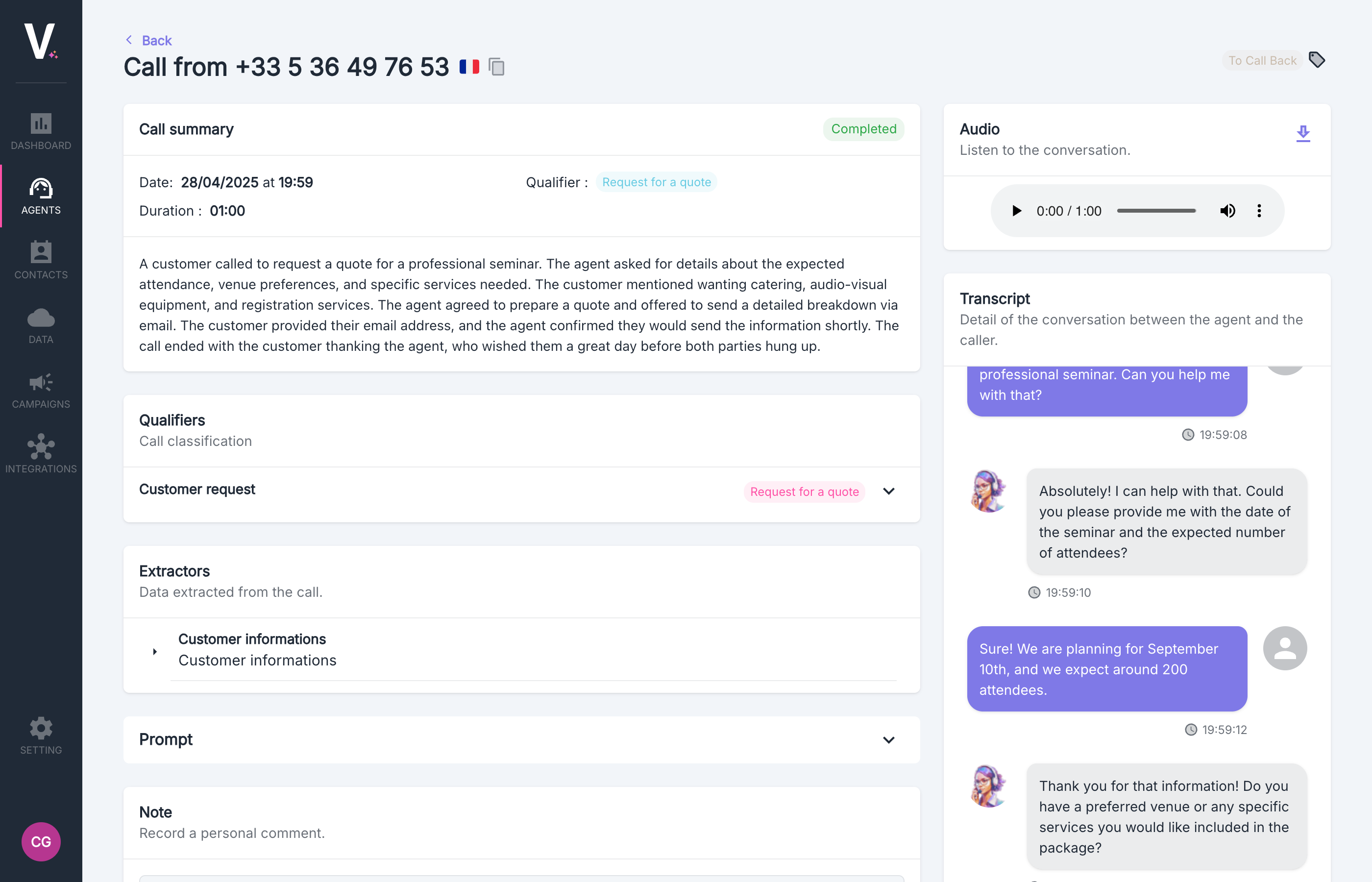
For more information, visit the Call Details section

Next Step

Now that you have made and analyzed your first call, explore our detailed guides to optimize your agent’s performance. Deepen your mastery of the platform by customizing prompts, configuring advanced extractors, and leveraging our analysis features to transform your phone interactions into true strategic assets. Our documentation supports you at every step of your conversational automation journey.