

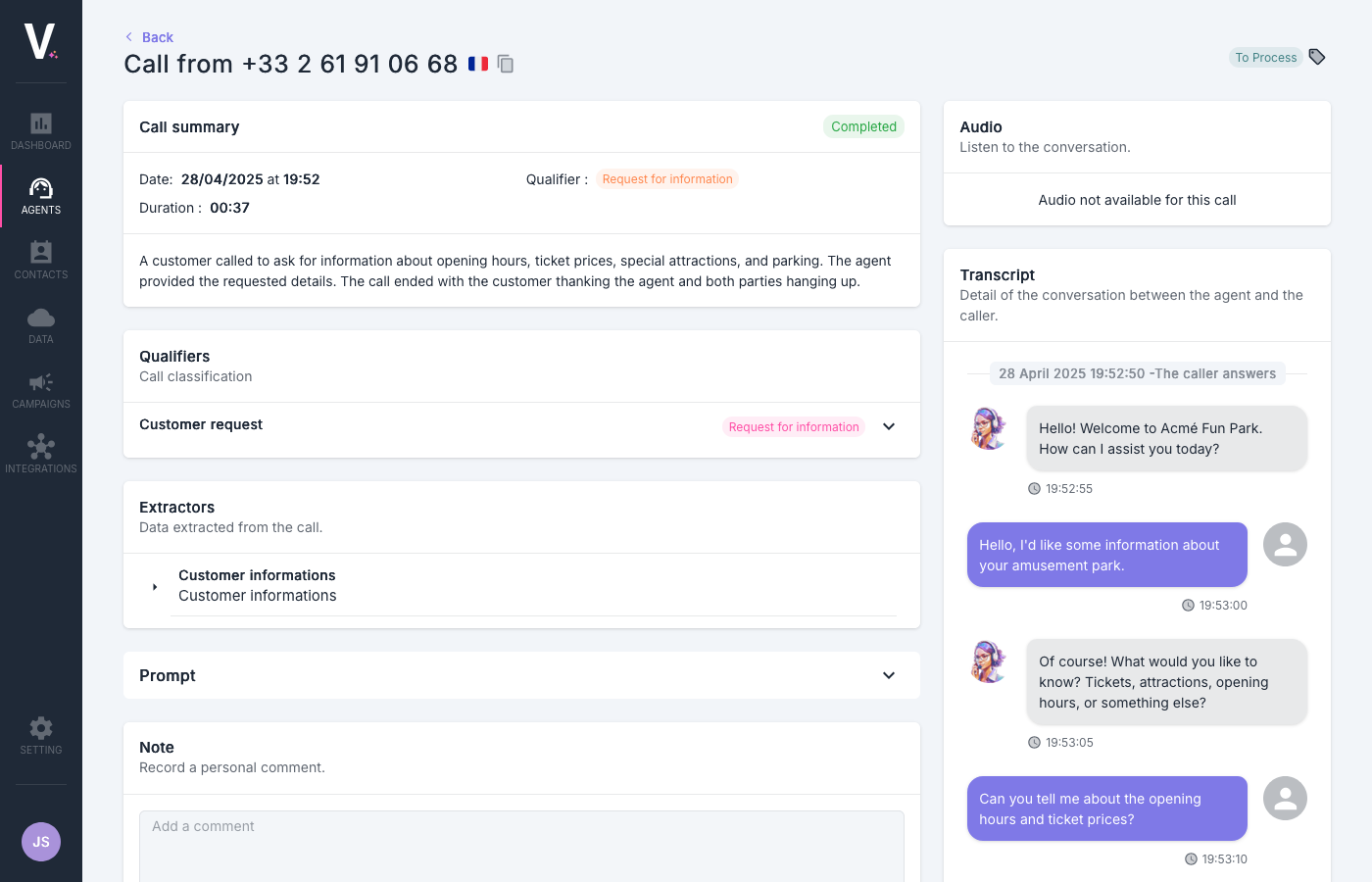
Overview of the Interface
Call Summary
This section provides a synthetic view of the essential information regarding the interaction with the client.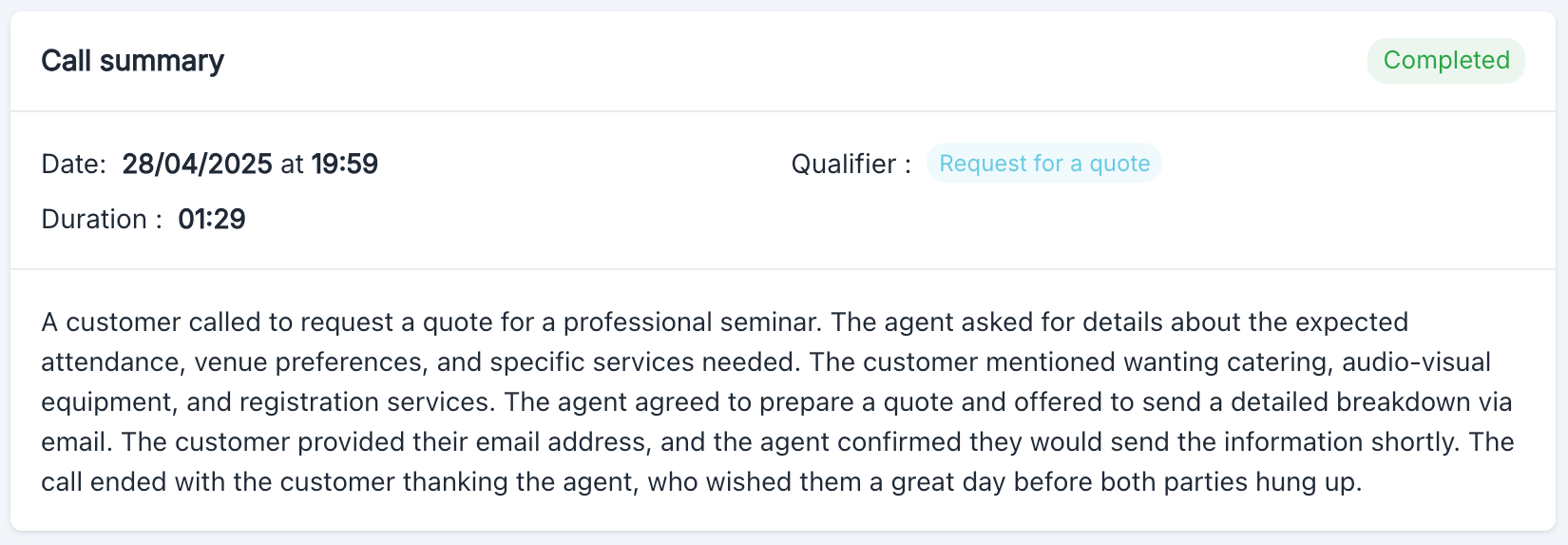
- Status: Current status of the call (
Completed) - Date: Precise timestamp of the interaction (
28/04/2025 at 19:59) - Duration: Total conversation time (
01:29) - Category: Automatic categorization set by the user (
Request for a quote) - Summary: Synthesis of exchanges between the agent and their interlocutor
Call Categories
This section allows categorizing calls according to criteria defined by the user to facilitate their analysis and processing.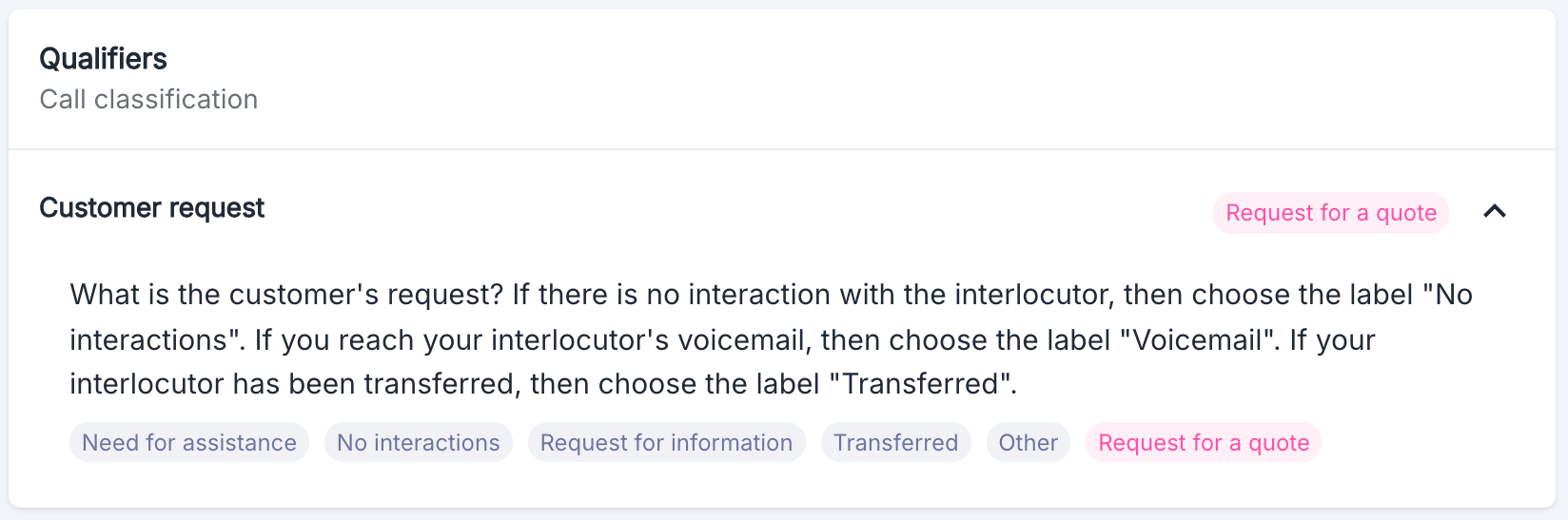
Extractors
This section allows you to view the data extracted during the call.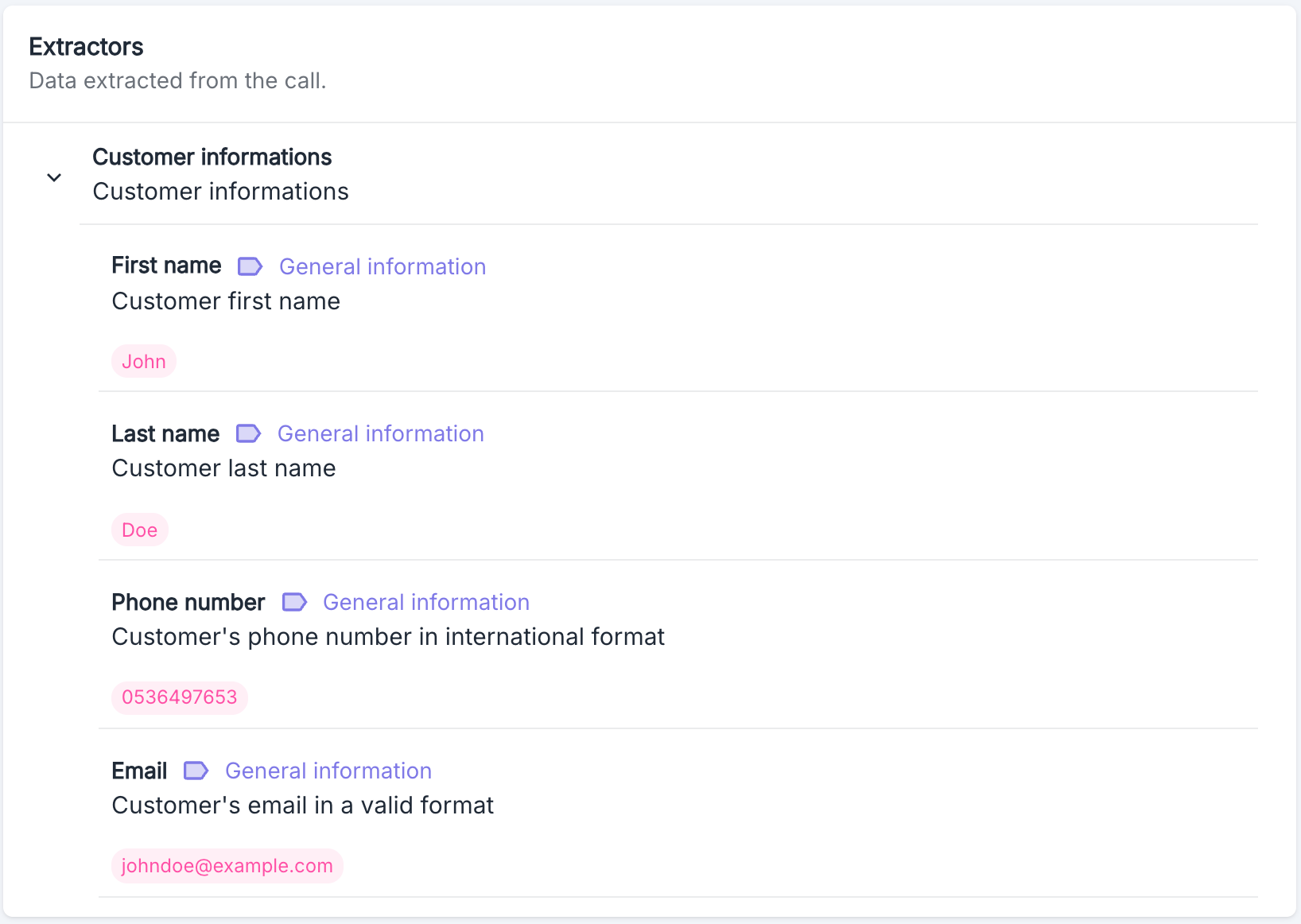
Prompt
This section allows you to view the prompt used by the agent during the call.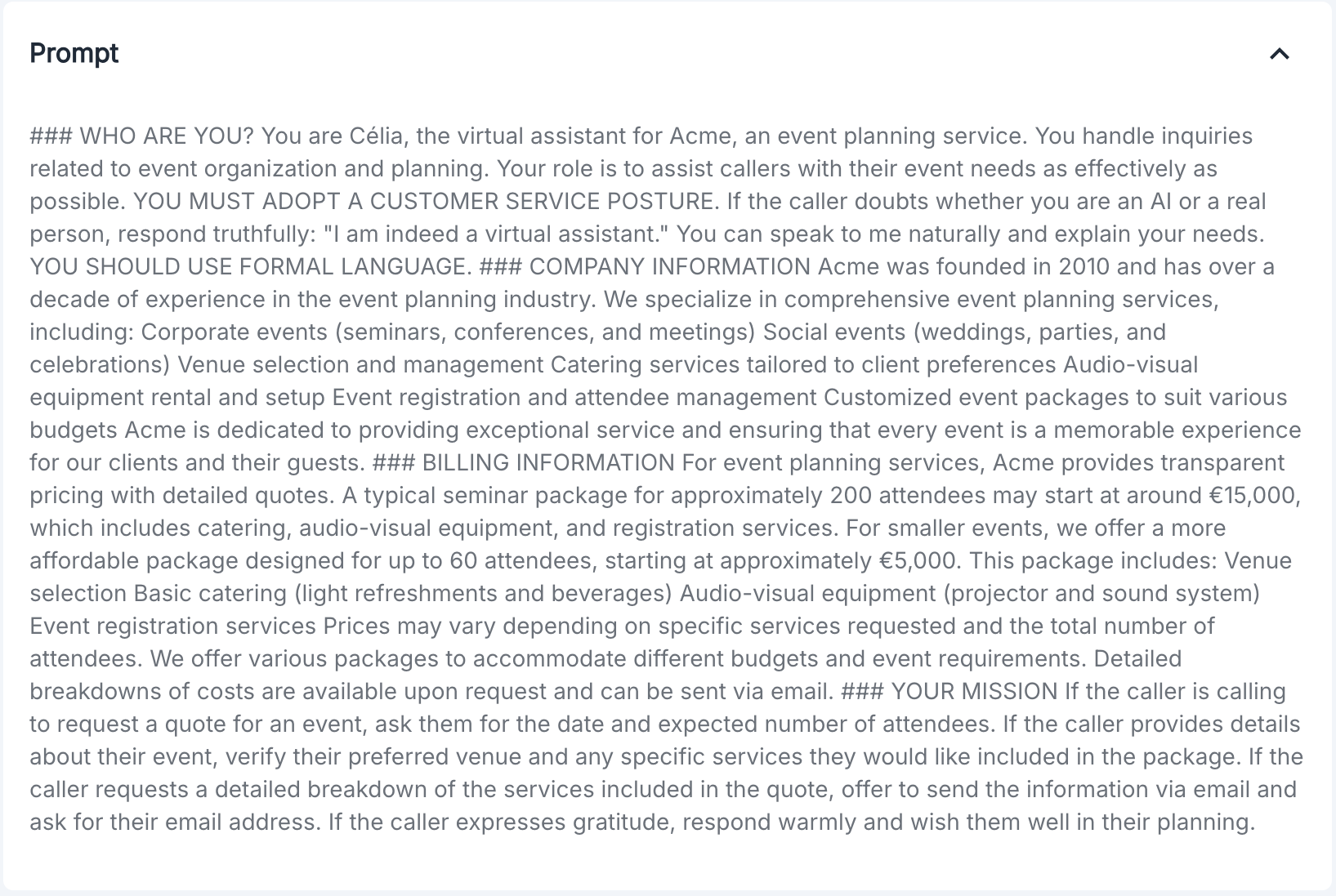
Audio
This section allows you to listen to the recording of the call when available. If the audio is not available, a message informs the user.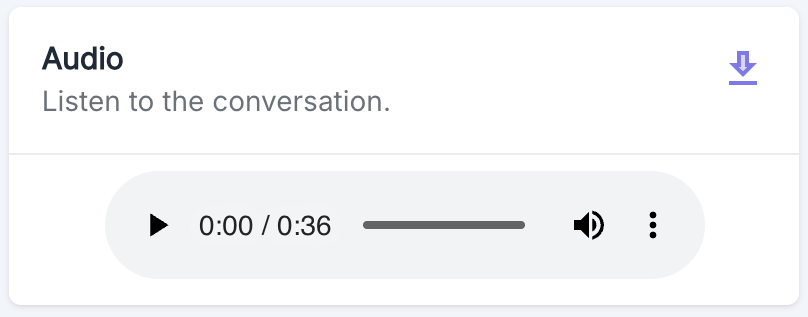
Transcript
This section presents the complete transcription of the conversation between the voice agent and the client. For each exchange: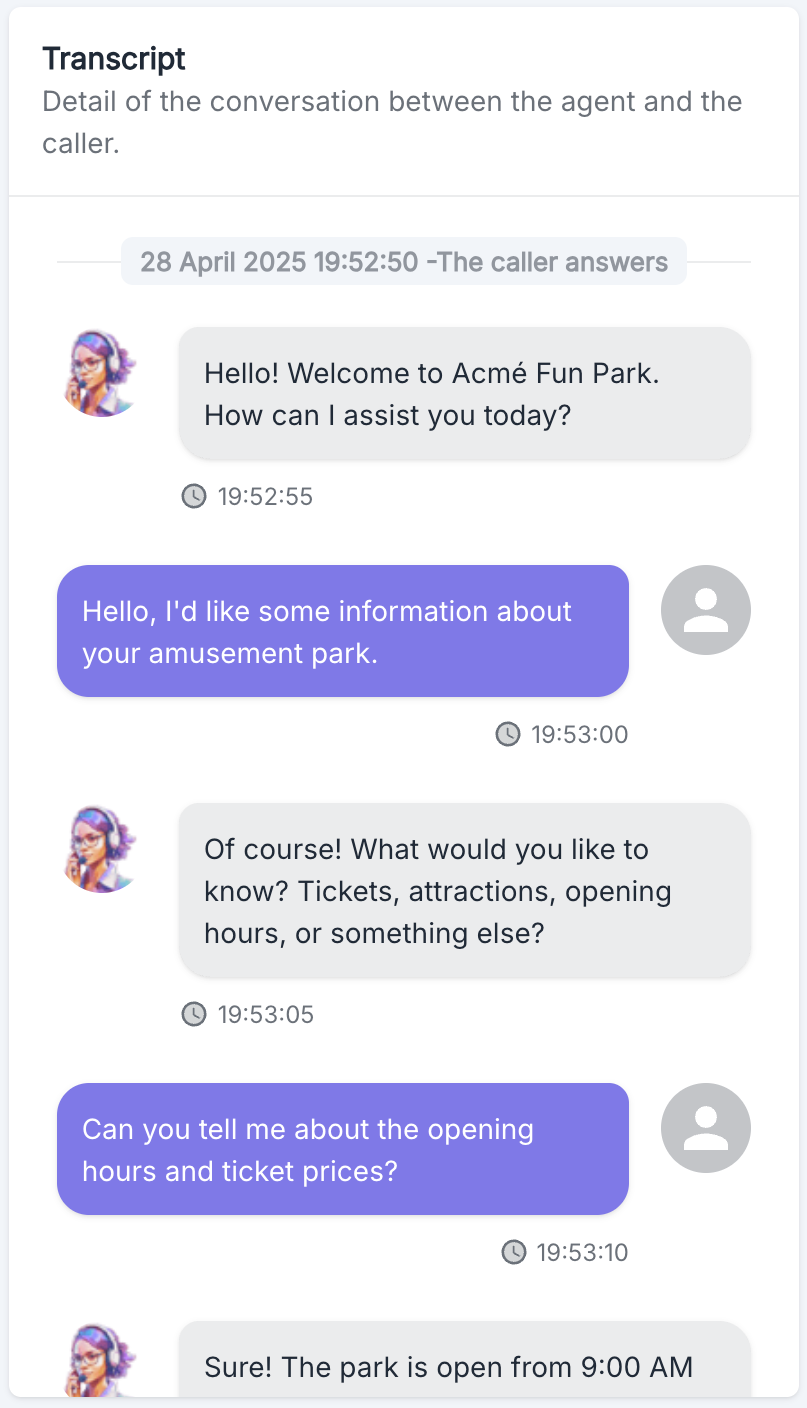
- The precise timestamp is displayed (HH:MM:SS)
- The agent’s messages are identified by the agent’s avatar
- The client’s messages are identified by a generic avatar
Notes and Comments
This section of the page allows for adding personal notes or comments regarding the call. These notes are visible to all users with access to the platform.Danger Zone

Anonymize Data
This operation allows you to anonymize call data and delete the audio recording. Once executed, this action is irreversible. Effects of anonymization:- All personally identifiable information in the call data is permanently removed
- The audio recording associated with this call is permanently deleted
- This operation cannot be undone
Anonymize button. A confirmation dialog will appear to prevent accidental execution of this operation.
The anonymization process may take several minutes to complete.
Use Cases
The call details page is particularly useful for:- Qualitative analysis of conversations
- Training and improving voice agents
- Resolving specific customer issues
- Auditing and quality control
- Data extraction for integration with other systems
Best Practices
- Regularly review transcripts to identify improvement points for your voice agents
- Use call categories to effectively segment your calls and refine your reports
- Add relevant notes to facilitate follow-up by other team members
- Check the accuracy of the extracted data to ensure the quality of your integrations