

Standard Outbound Call
Numbers are assigned by the Volubile team. If you need additional numbers for your agents, please contact Volubile technical support.SIP Integration
1
Configure the SIP Server
Provide your SIP server configuration in the SIP Connection Settings.When creating a new SIP connection, you will need to provide the following information:
- Connection Name: Unique identifier for your SIP connection
- Destination Number Format: Select the appropriate format (default: +E.164)
- Protocol: Select TLS and/or SRTP according to your security needs
- Routing Method: Choose between Sequential or Round-Robin
- FQDN: Add one or more fully qualified domain names for your SIP server
- Authentication Type: Select Tech Prefix or Token
- Tech Prefix: If this method is selected, specify a 4-digit prefix that will be added to the destination number
- SIP Headers: Add custom SIP headers in the format “X-[Name]” and their corresponding values
- User-to-User (Optional): UUI information which will be transported over the Public Switched Telephone Network (PSTN)
2
Link the Agent
Go to the agent configuration page or the agent transfer action and link the previously created SIP connection.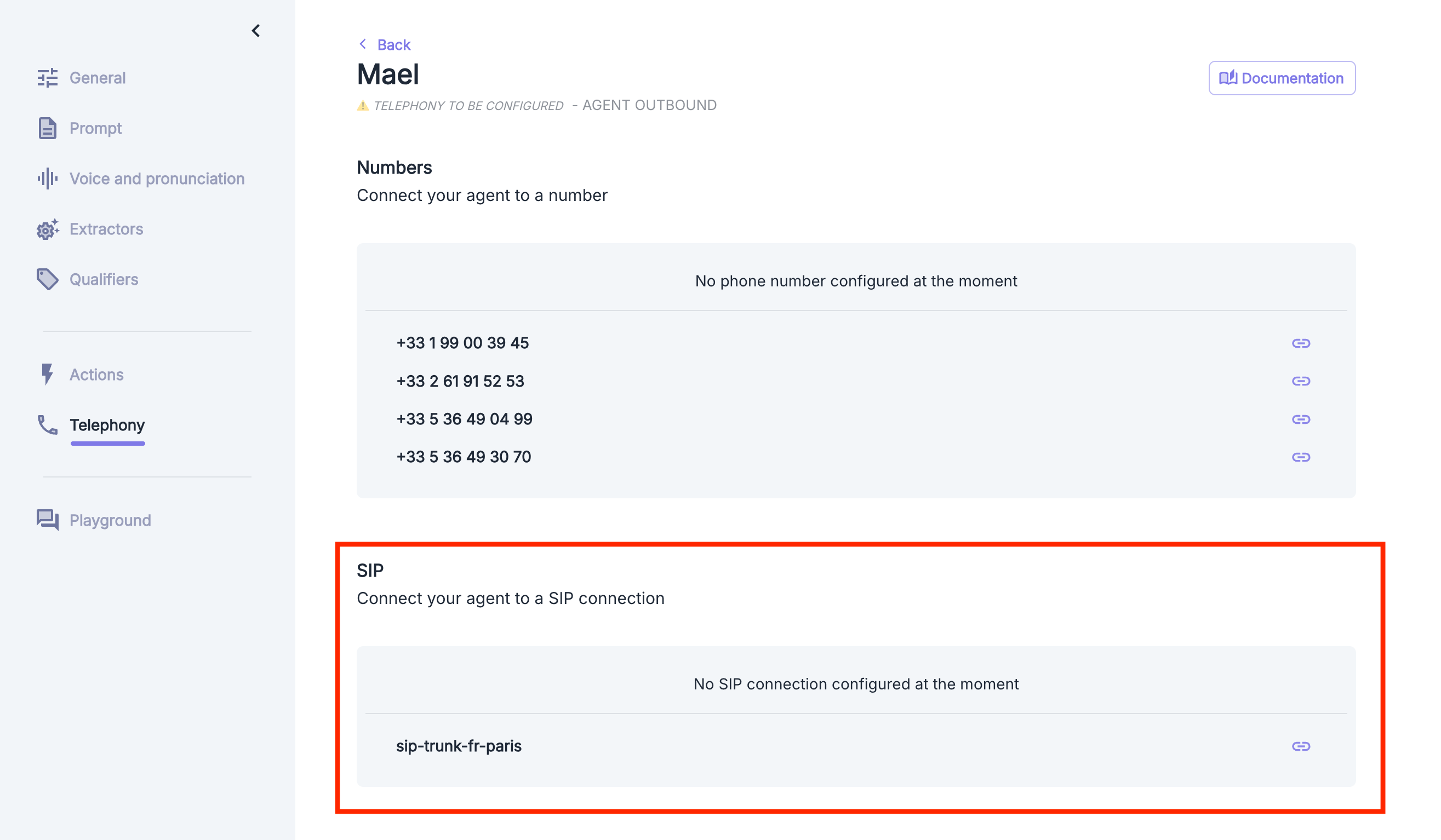
Volubile IP Whitelist
Outbound SIP calls are placed by Volubile through the FQDNsip.nexmo.com.
To allow our platform to communicate with your SIP infrastructure, you must authorize the following IP addresses on your SIP trunking platform, depending on your region:
If your SIP trunking platform cannot be configured to allow subnets, please allow the following specific IP addresses by region:
Europe
Europe
- 216.147.0.1
- 216.147.0.2
- 216.147.1.1
- 216.147.1.2
Americas
Americas
- 216.147.2.1
- 216.147.2.2
- 216.147.3.1
- 216.147.3.2
Asia Pacific
Asia Pacific
- 216.147.4.1
- 216.147.4.2
- 216.147.5.1
- 216.147.5.2
The following port ranges apply to the SIP signaling you will exchange with Volubile: UDP on port 5060 and TLS on port 5061.