Accessing the User Profile
To access your profile:
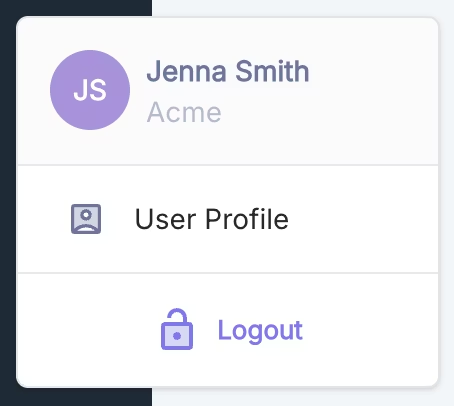
- Click on the circle containing your initials located in the bottom left corner of the interface.
- A context menu will appear.
- Select the
User Profile option
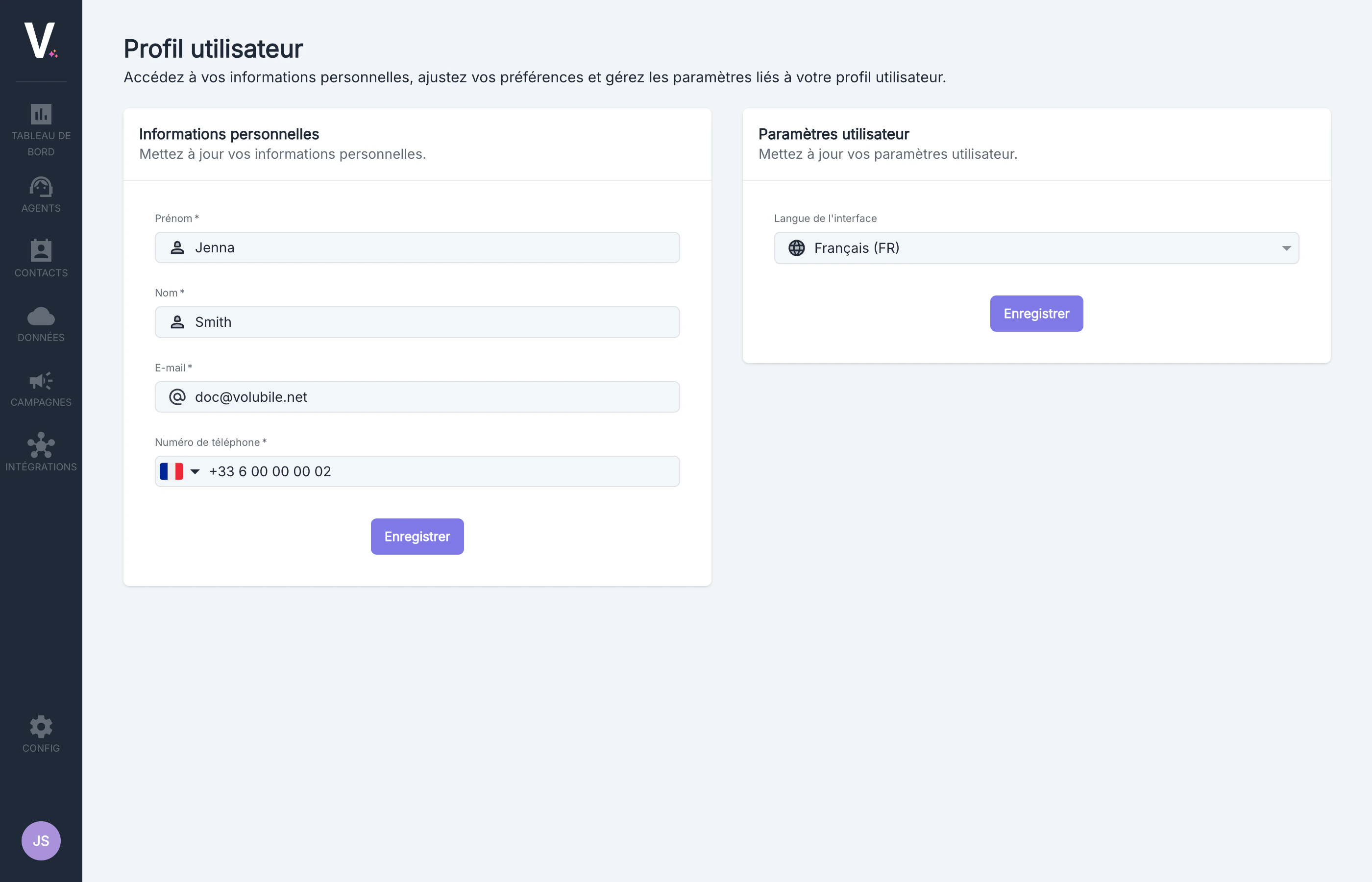
Access to the profile is available from any page on the platform, allowing you to update your information at any time.
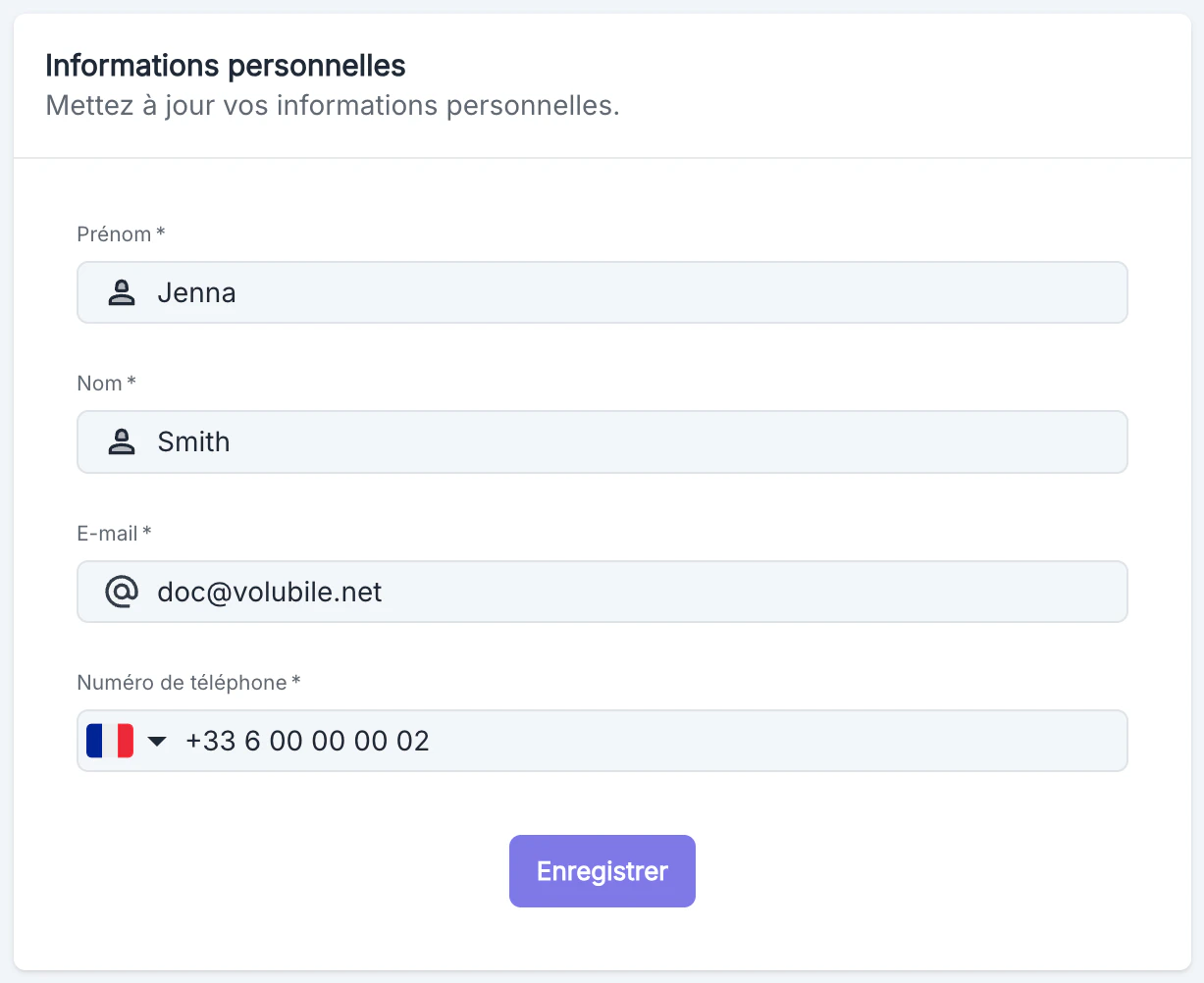
Available Fields
To update your number:
- Modify the desired field.
- Click on the Save button at the bottom of the section.
- A visual confirmation will appear to indicate that your changes have been saved.
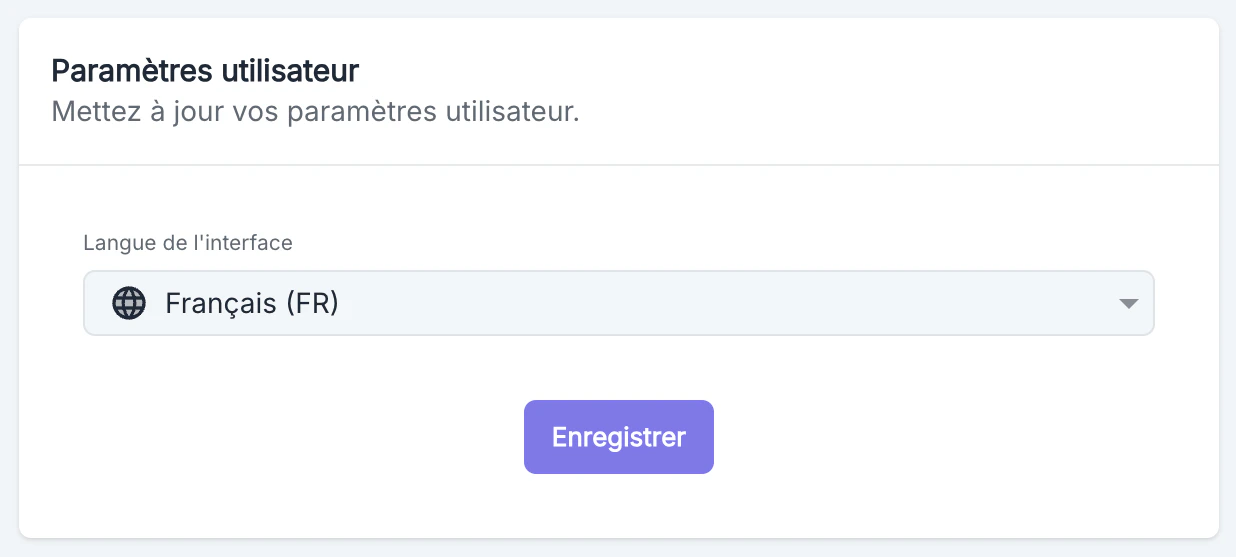
Interface Language
This section allows you to customize the display language of the Volubile interface.