

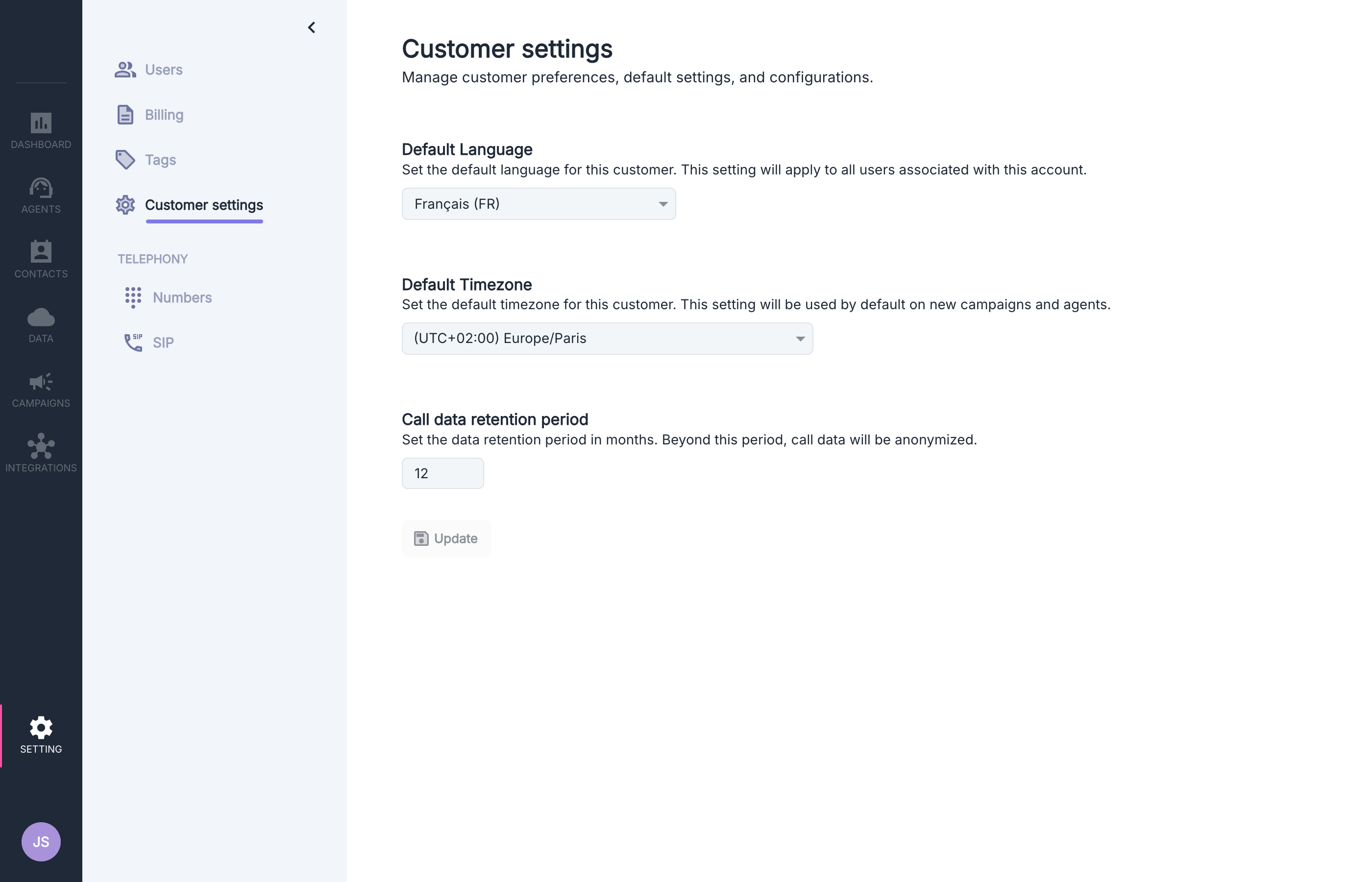
Available Options
Default Language
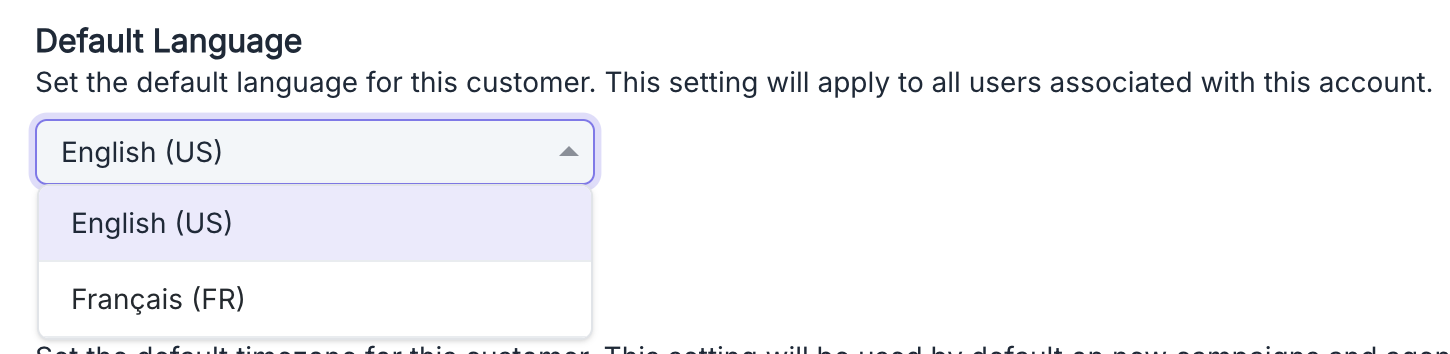
- New users created will automatically have the interface in this language
- New agents will use this default language (prompt, voice, summaries, extractors, call categories)
Each user can change their preferred language in their personal settings after creation.
Similarly, the language for each agent can be modified individually during its setup.
Default Time Zone

- New agents will use this default time zone for all time-related functions, including:
- context injection with system.now
- time restrictions in transfer actions
The time zone can be modified individually for each agent after their creation.
Data Retention Period
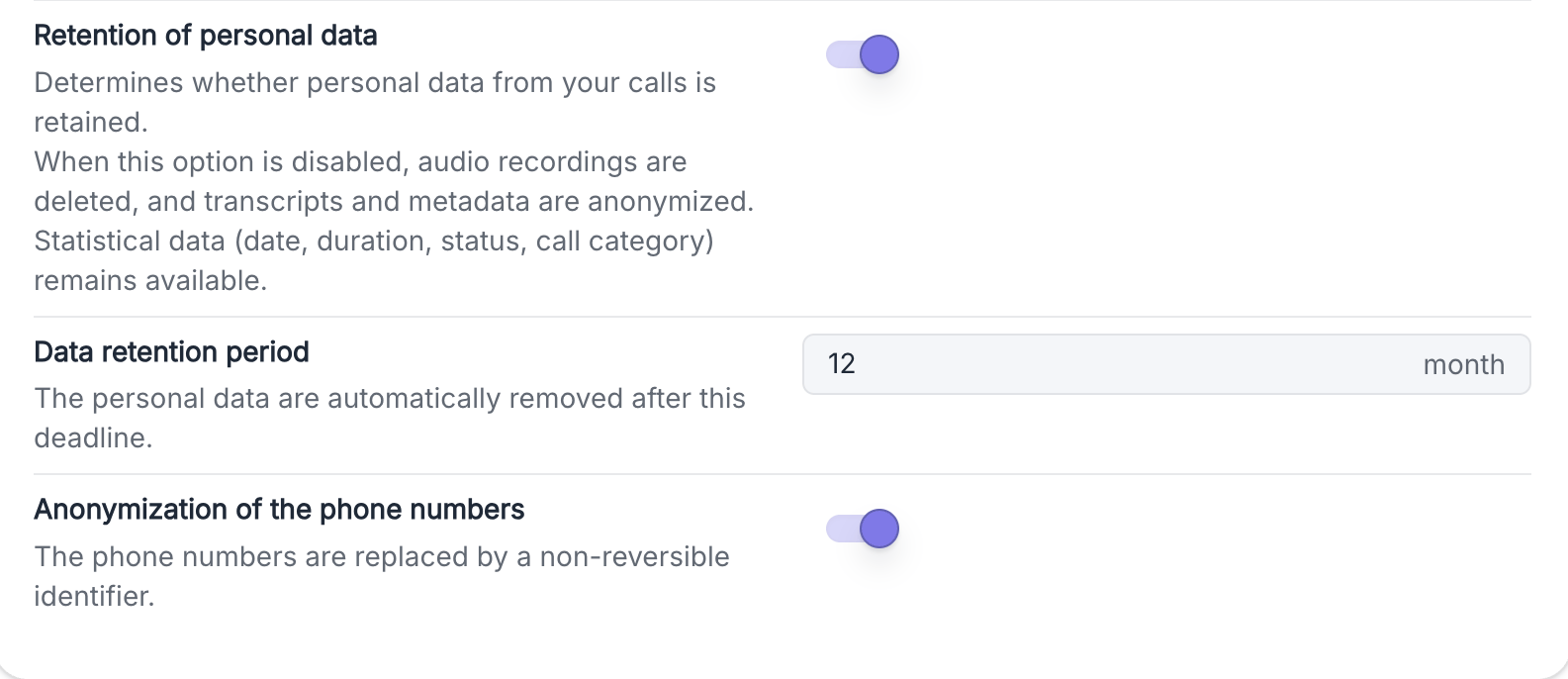
- All personally identifiable information related to calls beyond this period will be anonymized
- If the period is shortened, all calls created before that will be anonymized at once
Multi-Factor Authentication (MFA)

- All existing and new users must configure their multi-factor authentication
- Users cannot log in until they have enabled their MFA
- An activation email is automatically sent to each user with detailed instructions
Supported TOTP applications
Volubile uses the TOTP (Time-based One-Time Password) standard which generates 6-digit codes renewed every 30 seconds. Compatible applications include:- Google Authenticator
- Microsoft Authenticator
- Bitwarden Authenticator
When you enable this option, each user will receive an email containing a QR code to scan with their TOTP application and step-by-step configuration instructions.