

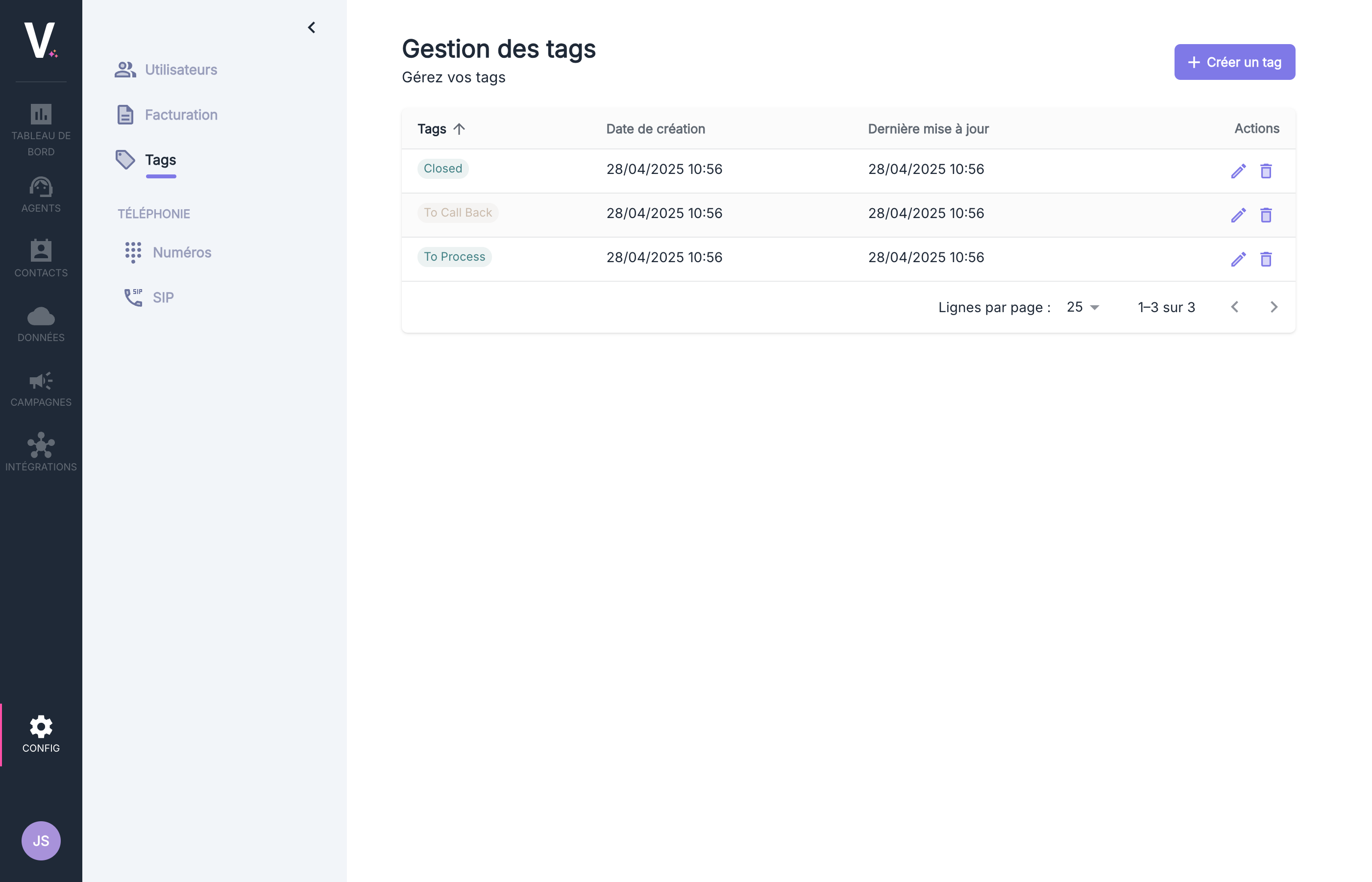
Tag Management Interface
This interface displays the following information:Managing Tags
To add a new tag, click the purple button Create a tag, located at the top right of the interface. Once the name is entered in the designated field, creation can be confirmed by submitting.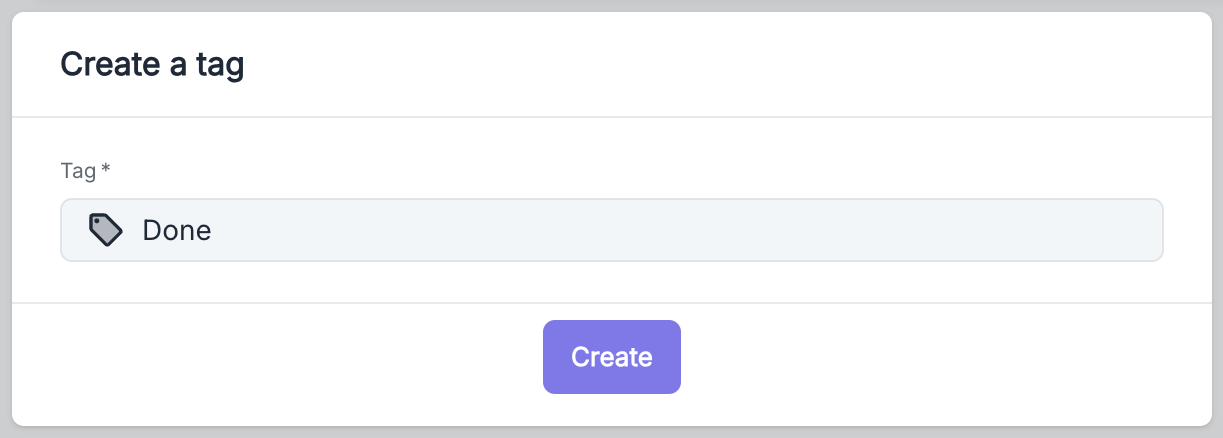
Applying Segmentation Tags
Automatic Assignment via API
Segmentation tags can be automatically applied during calls using the Volubile API. This feature allows contextual tags to be associated.Assignment via SIP Headers
It is also possible to send a list of tags directly through the SIP headerX-Volubile-System-Tags during call setup. This method enables seamless integration with your existing systems.
Examples
Using Tags on the Platform
Tags form a flexible system, adaptable to the specific needs of each business. They can be used as an integrated mini-CRM, allowing for tracking the status and evolution of customer interactions.Common Use Cases
Status Tracking
“To be processed”, “In progress”, “Done”, “Urgent”
Type of Request
“Technical support”, “Sales”, “Complaint”
Tag Visibility
Tags are visible in several key areas of the platform:Call Detail
The tags associated with a call can be viewed directly from its detailed record.See the Call Detail documentation
Call Filtering
An agent’s call history can be filtered based on tags.See the call history documentation
Categorization System
Tags support a categorization system using the formatcategory:value. This structure allows for hierarchical organization of tags:
Category Examples
campaign:christmas-promopriority:highsegment:premiumsource:website
Smart Filtering
On the dashboard, categories appear as organized groups, making selection and analysis easier.