

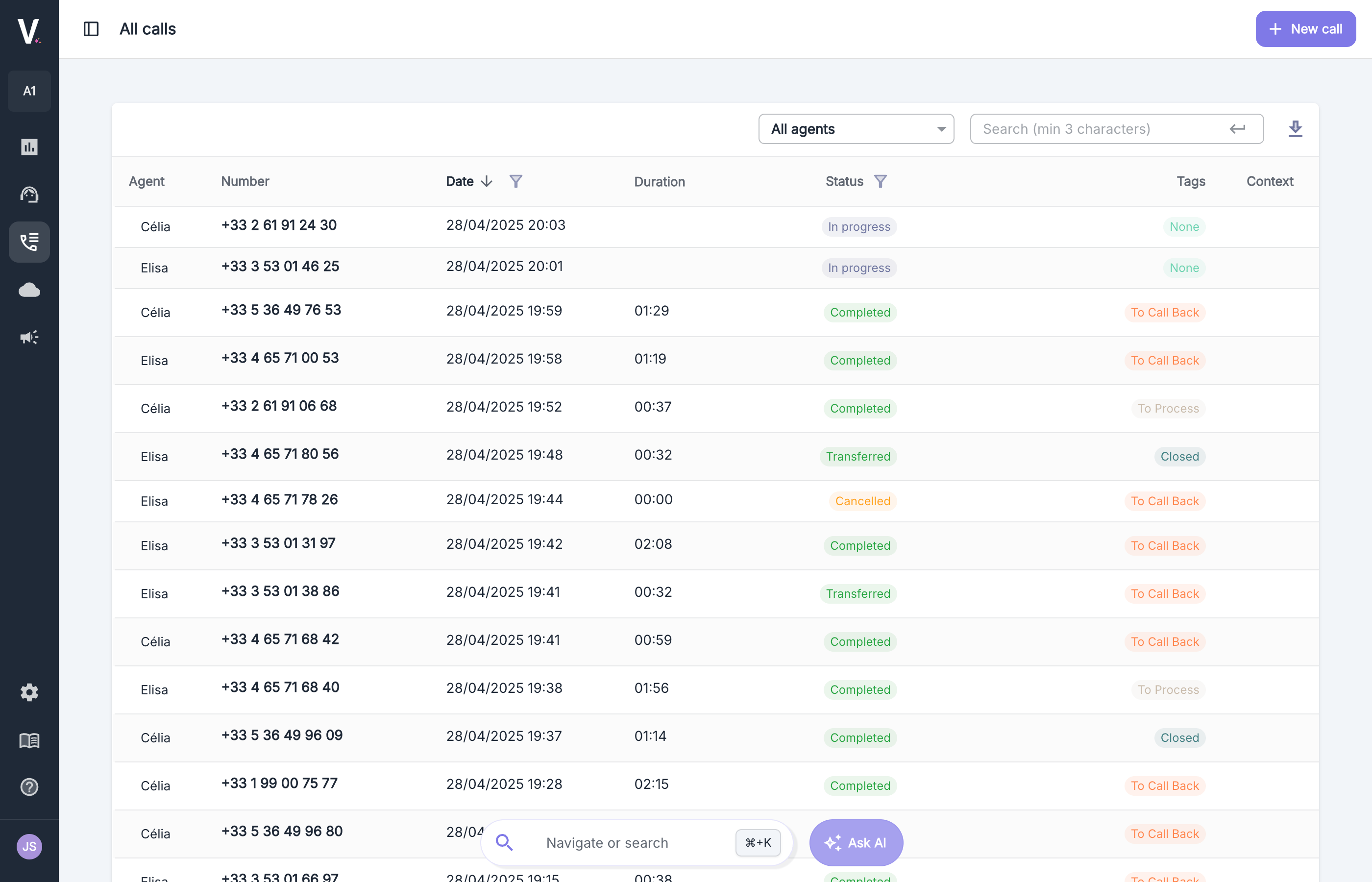
Overview of the Interface
Call Statuses
A status is associated with each call based on the progression of the call.Dashboard
For more information on call statuses
Call Categories
The Volubile system automatically categorizes each call based on the call categories configured by the user.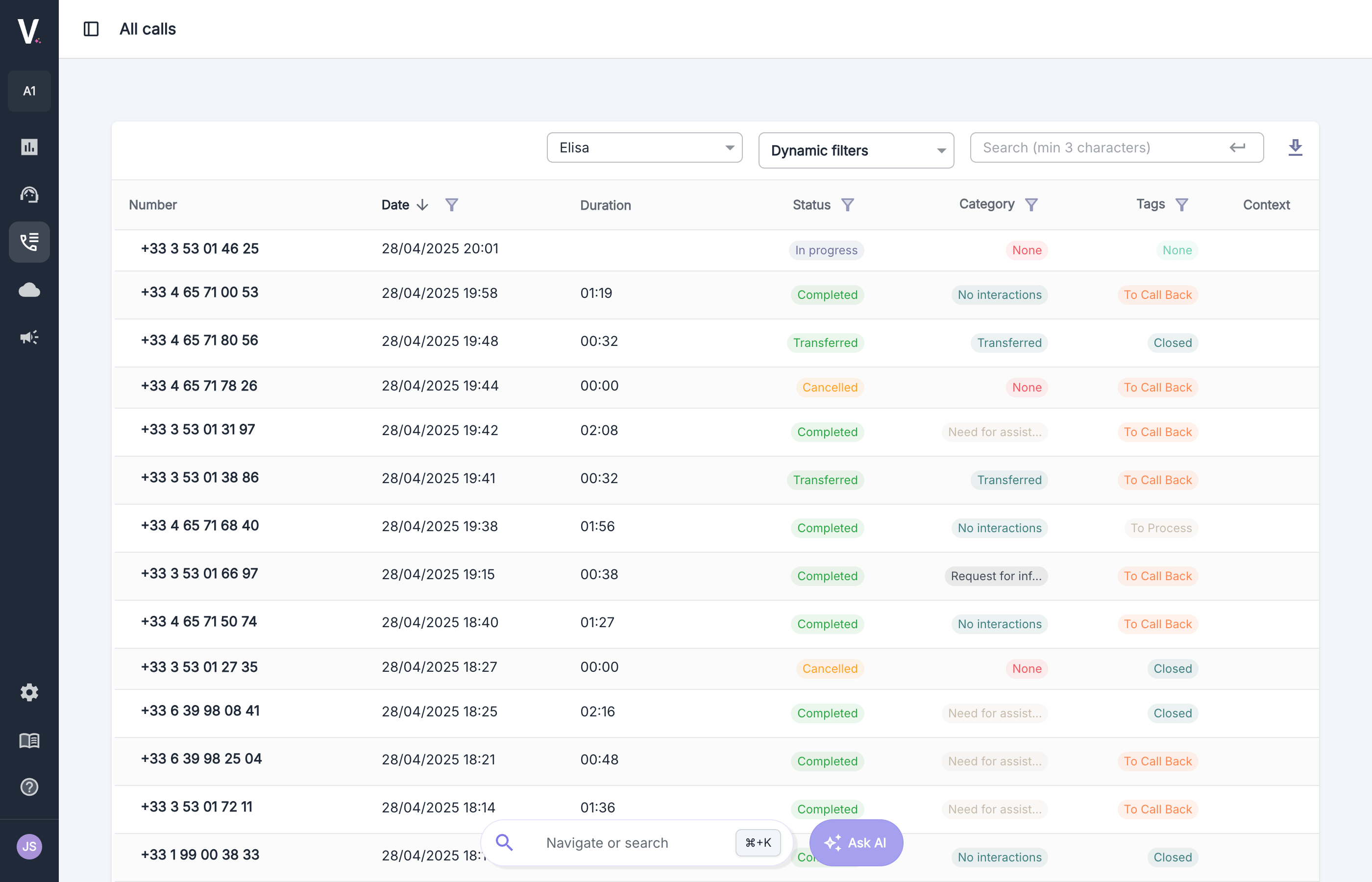
Call categories are specific to each agent (they are not necessarily shared across all your agents), so the Category column and the category filter are only displayed when an agent is selected in the All agents dropdown at the top of the table. When all agents are displayed, these elements are hidden.
Call categories
For more information on call categories
Tags
Users have the option to configure tags that they can manually associate with calls to facilitate tracking.Tags
For more information on tags
Call Context
It is possible to inject context into the call. If it exists, it can be viewed in this column.Context
For more information on call contexts
Call Details
Click on a row in the table to open the call details. You will find all the information associated with this call (status, duration, category, tags, context, etc.).Search and Filtering Features
- Quick Search
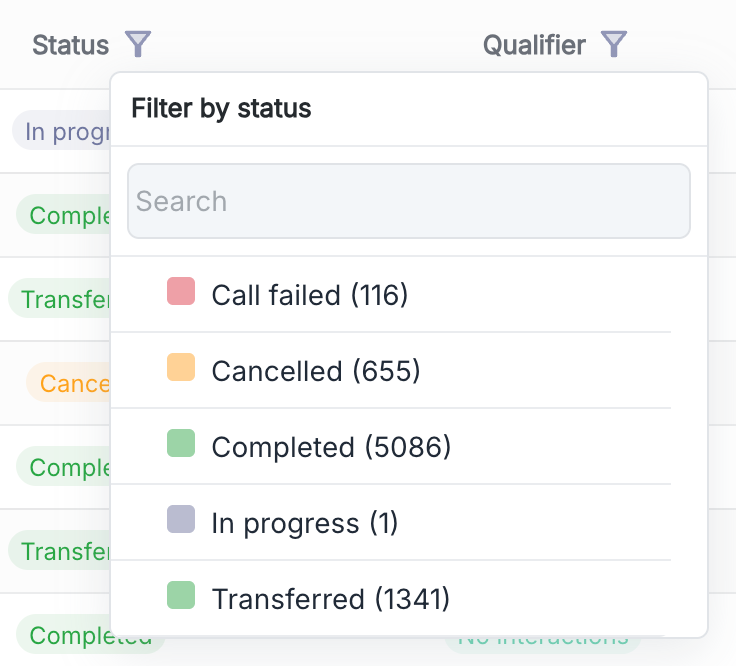
- Advanced Filters
Use the search bar in the top right corner to quickly find specific calls.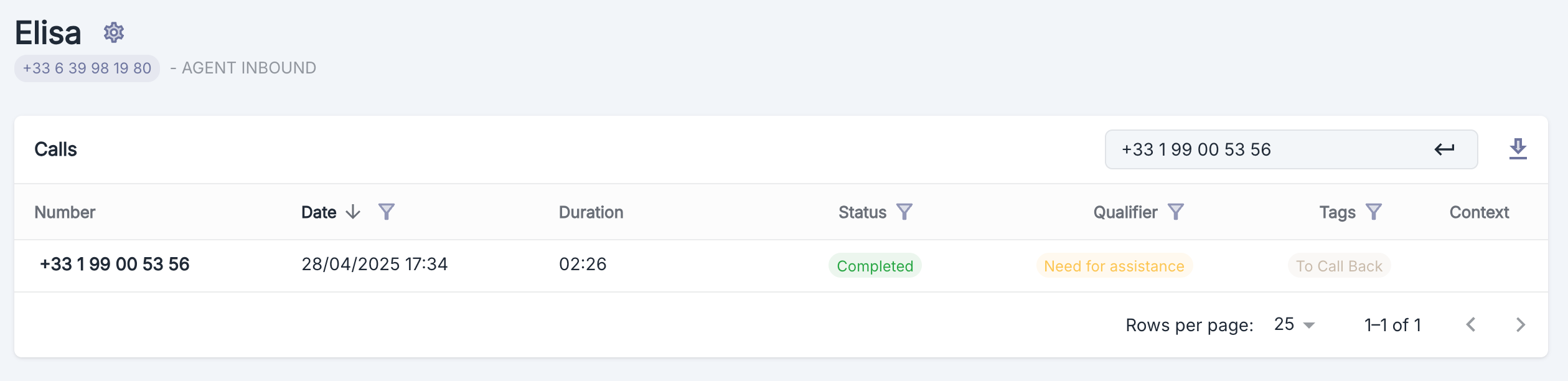
Export Call Data
You have the option to export call data in.xlsx format by clicking the download button in the top right corner of the table.
Billing

- The agent’s interlocutor is a user of the same account
- A Volubile administrator manually disabled billing on this call
Billing
For more information on call billing