Duplicating an agent copies its configuration, but does not include the call history data or the statistics associated with the original agent.
How to Duplicate an Agent
- Navigate to the configuration page of the agent you wish to duplicate.
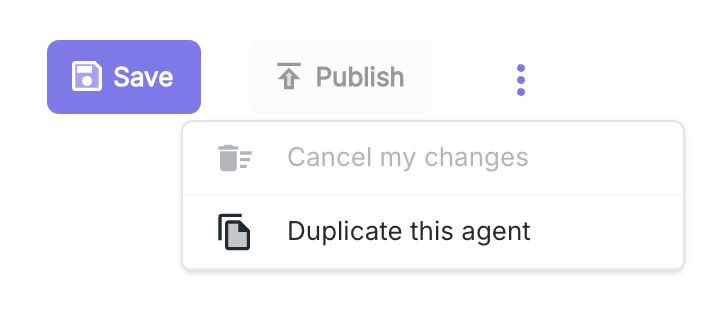
- Click on the options icon (three vertical dots) in the top right corner.
- Select the “Duplicate this agent” option from the dropdown menu.
Duplication Configuration
Once the option is selected, a modal window appears with the following duplication settings: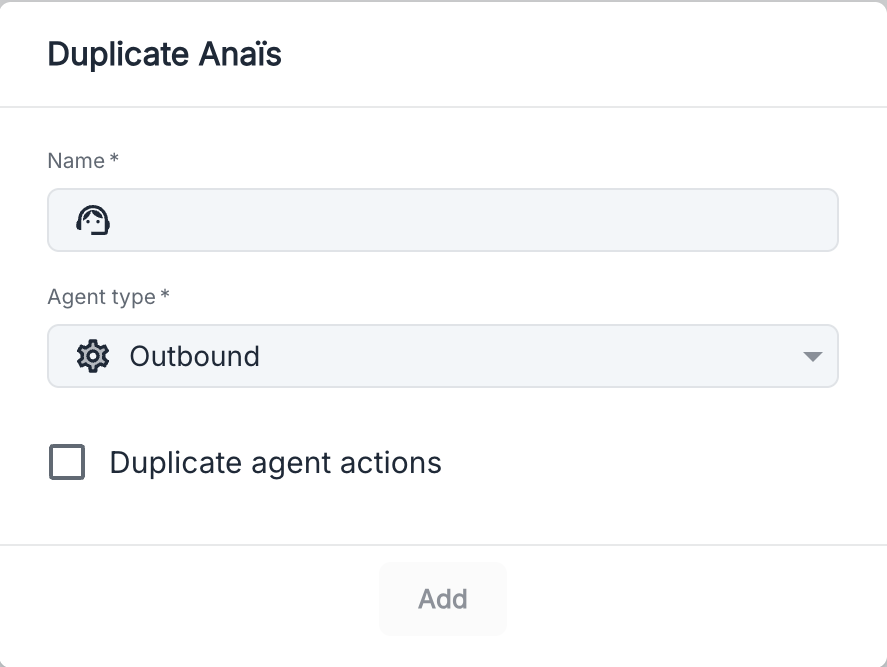
Available Parameters
Additional Options
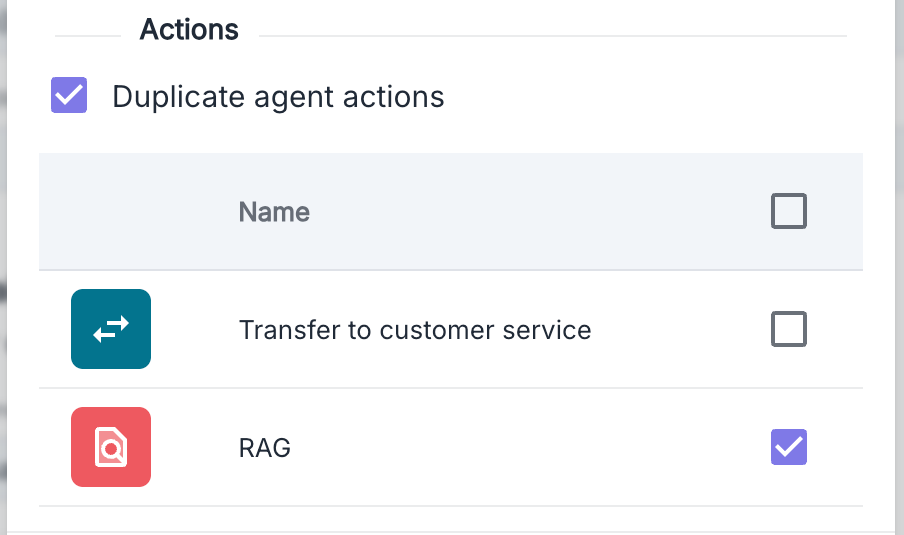
Duplicate agent actions: By checking this box, you can select the actions of the original agent that you wish to duplicate.