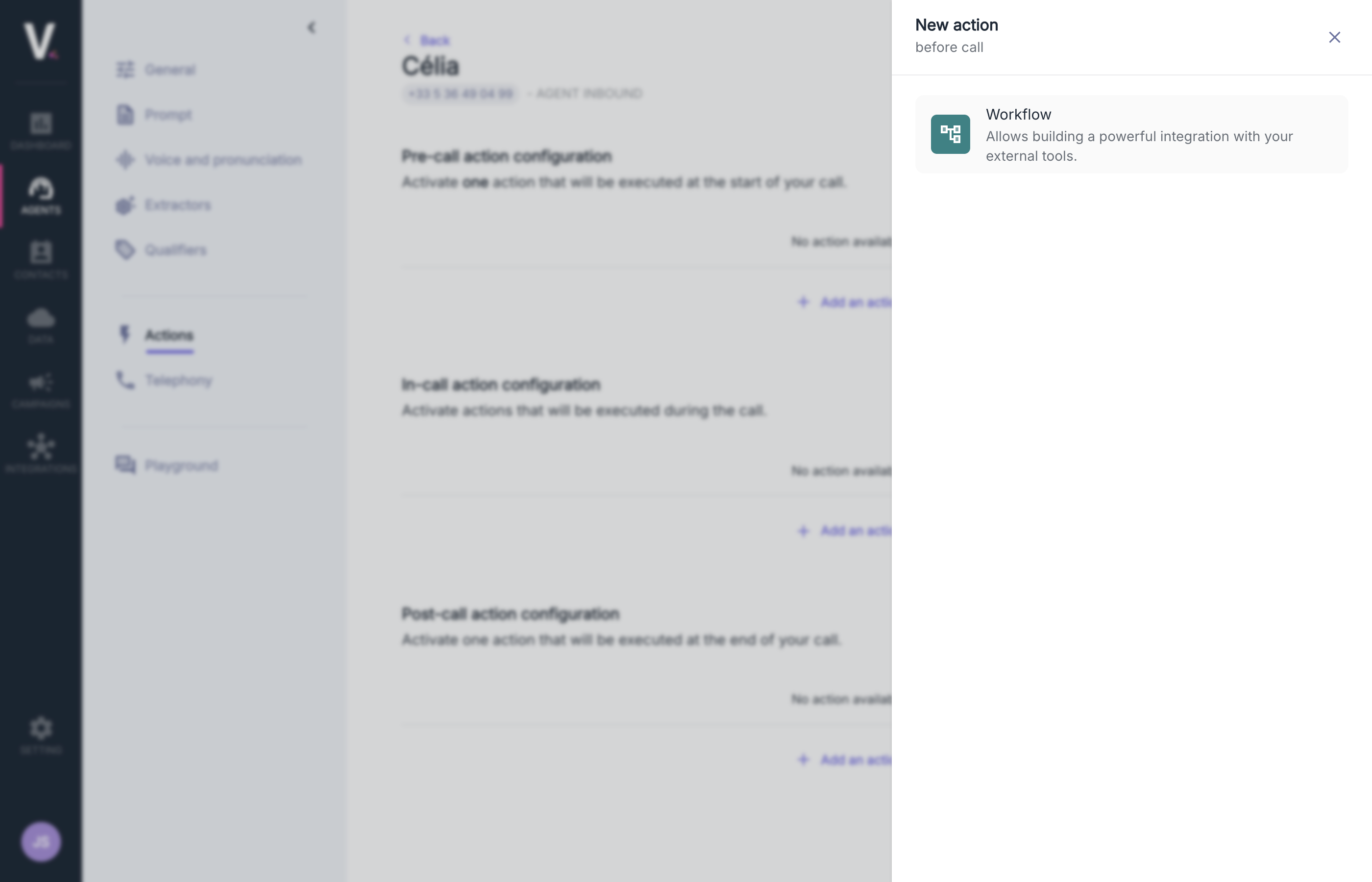
During the ringing interval, you can trigger preliminary actions such as caller identification, retrieving essential contextual information to prepare the agent for the interaction, or dynamically modifying the configuration based on the caller’s profile or call context.
The following actions are available before the call.
Workflow
This feature is not enabled by default. Please contact support to activate it on your account.
Allows you to build a powerful integration with your external tools before your calls.
Configure Workflows Before the Call
See how to configure workflows
Actions before the call are subject to a maximum execution constraint of 30 seconds, requiring highly efficient APIs with optimal response times.
Cache configuration
This feature is not enabled by default. Please contact support to activate it on your account.
The pre-call action cache prevents the same information from being recalculated or requested multiple times before a call. When an agent executes a pre-call action to enrich its context, it can now reuse a previously obtained result if the request matches a situation that is already known.This feature is useful when your pre-call action queries an external source or applies the same processing for several similar calls. Instead of systematically running the action again, the platform can reuse a recent response. This makes executions faster, more stable, and more cost-efficient.The feature relies on two configurable elements:
the information used to identify that a situation is the same as a previous one
the duration for which a result can be reused
The main benefit is twofold. On one hand, you improve pre-call execution speed. On the other, you reduce unnecessary calls to your own systems or third-party services. This is especially relevant when your data changes little over a short period of time but is queried very frequently.
Cache keys
Each path is used to build the cache key from the payload sent to the webhook.This payload can notably come from SIP headers for an incoming call, or from the context provided for an outgoing call through the API or an Excel / CSV file.
Understand context sources
See the different context sources
This information is used to identify that a situation is the same as a previous one and that an existing result can be reused.
Time to live
The functional TTL defines how long a result can be reused.The functional TTL must stay between 5 minutes and 7 days.
Cache management
Use these actions to empty existing entries or fully disable cache.
Recommended use cases
This feature is recommended when:
the requested data changes little over a short period
the same information is requested regularly for comparable calls
you want to speed up call startup
you want to reduce real-time dependency on an external service
Less suitable cases
Conversely, this feature is less suitable if the data must always be strictly recalculated for every call, or if a very recent change must be taken into account immediately.
Assistant
Responses are generated using AI and may contain mistakes.