

Answering machine detection
During outbound calls, Volubile automatically detects whether the call has reached an answering machine. The detection relies on the beep and has an accuracy of more than 95%.Leaving a message on an answering machine
You decide what your outbound agent does when it reaches an answering machine:This setting only applies to outbound agents.
Configure the message
- Open your outbound agent and go to the Settings tab.
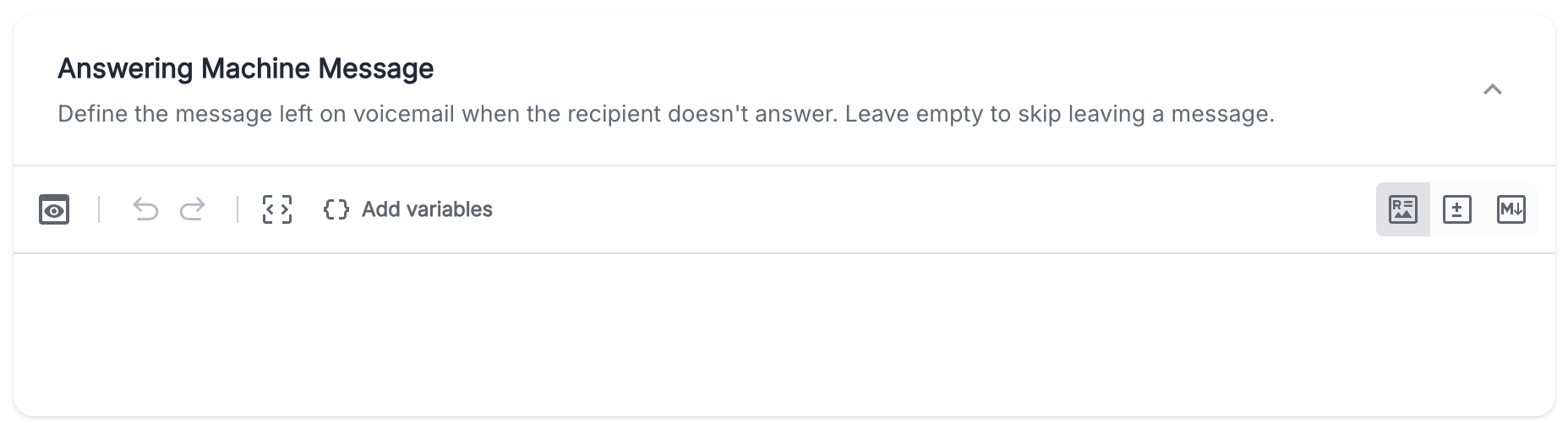
- At the bottom of the Prompt window, open Answering Machine Message.
- Type the message you want the agent to say in the text box that appears.
Tips for a good message
- Keep it short: aim for 15 to 20 seconds, as people tend to stop listening to long voicemails.
- Introduce yourself: state who is calling and on behalf of which company.
- Give the reason for the call in one sentence.
- End with a clear next step: a number to call back or an action to take.
Hello, this is Sophie calling from Acme about your recent request. I’ll try to reach you again tomorrow, or you can call us back at 01 23 45 67 89. Have a great day!