

Supported Applications
Volubile natively integrates with many professional services and tools:CRM & Marketing
- HubSpot
- Salesforce
- Zoho CRM
- Zendesk
Calendars & Scheduling
- Google Calendar
- Microsoft Outlook Calendar
- Calendly
- Microsoft Teams
Productivity & Communication
- Azure Communication Services
- Slack
- Microsoft Teams
- Trello
Creating a Connection
1
Access the connections section
In the sidebar menu, from the Integrations section, click on “Connections” to access the management interface.
2
Initiate a new connection
Click on the Create a connection button in the upper right corner of the screen.
3
Select the application
Choose the application to connect from the available options.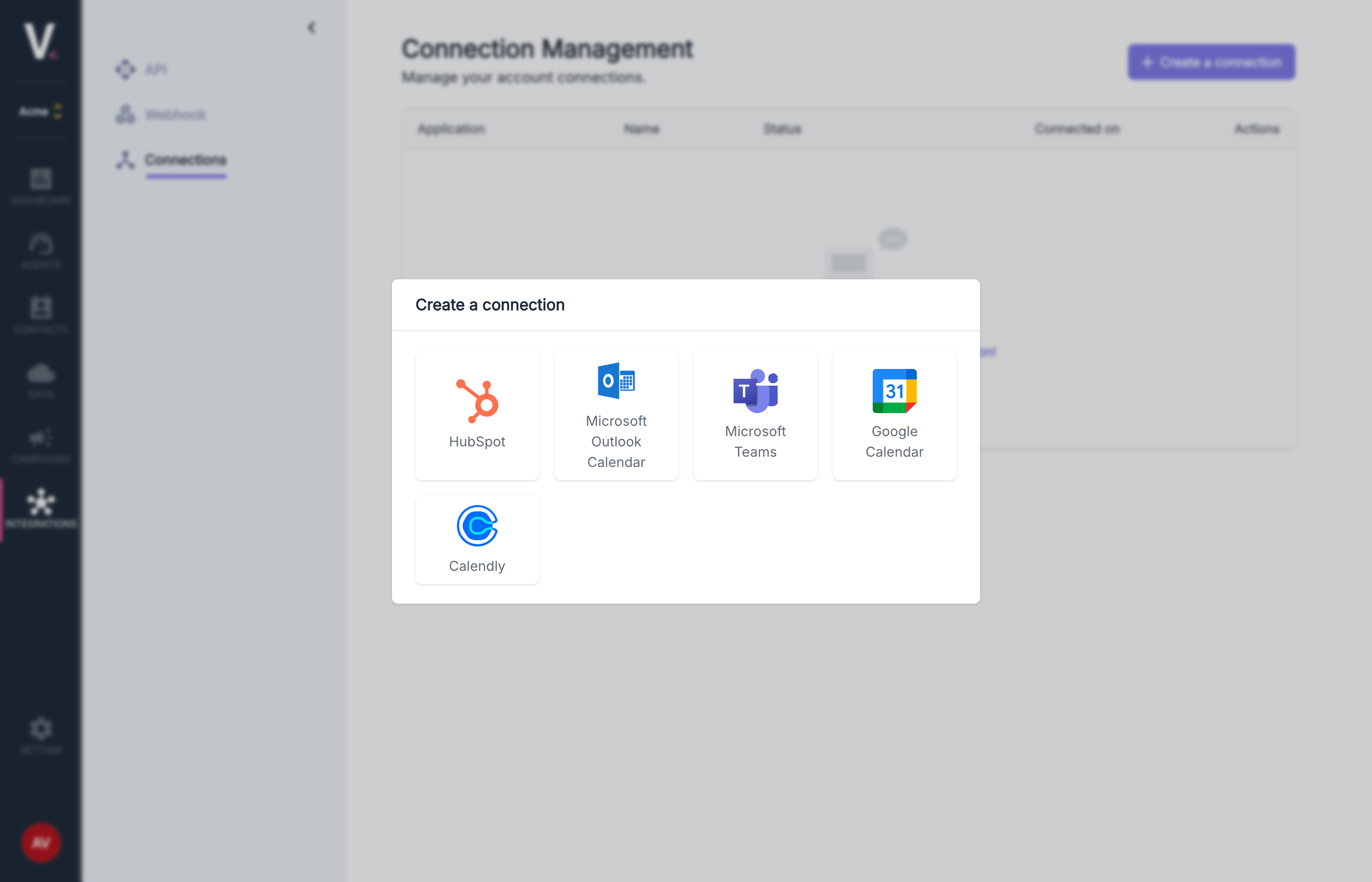
4
Authentication
Follow the authentication process specific to the selected application (OAuth, API keys, etc.).
5
Finalization
Name your connection and confirm its creation.
Once the connection is established, it will appear in your connections table with its status, connection date, and the option to delete it.