> ## Documentation Index
> Fetch the complete documentation index at: https://docs.volubile.ai/llms.txt
> Use this file to discover all available pages before exploring further.
# Quick Start
> Discover how to set up and fully leverage the capabilities of the Volubile platform for your phone conversation agents. This guide will walk you through making your first calls and analyzing interactions step by step.
## Make Your First Call
For your agent to be reachable, you must configure the telephony options, see the [Telephony](./product/agents/telephony) section.
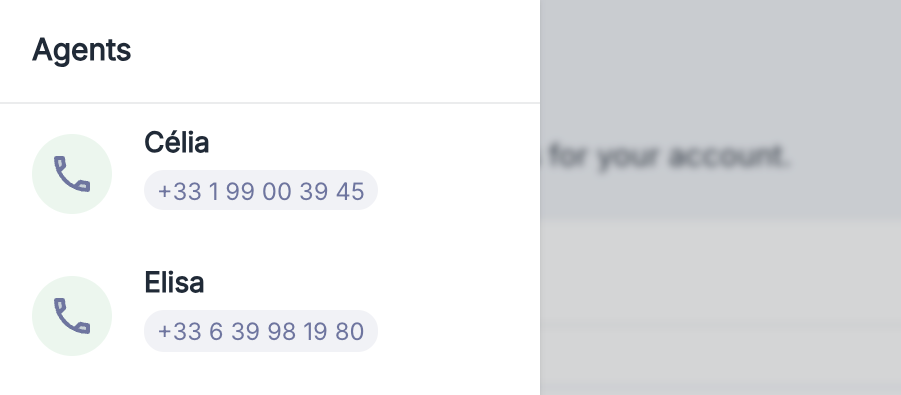
To make your first incoming call, simply call the number associated with your agent.
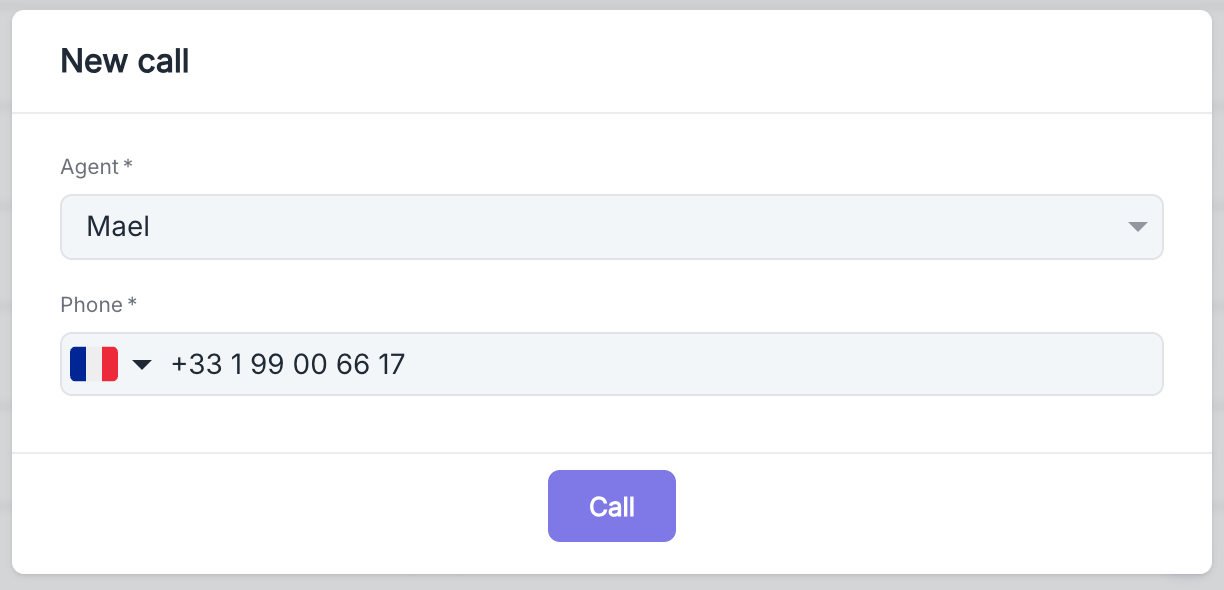
 Create a new contact by specifying which agent should call and enter your phone number. A few seconds after confirming, you will receive a call from your agent.
 Receive your agent's first outgoing call
## After the Call
Every phone conversation is automatically recorded and accessible for analysis. Navigate to your dashboard or the agent page to find the call history. Just select the relevant call from the list to access a detailed view of the exchange.
Receive your agent's first outgoing call
## After the Call
Every phone conversation is automatically recorded and accessible for analysis. Navigate to your dashboard or the agent page to find the call history. Just select the relevant call from the list to access a detailed view of the exchange.
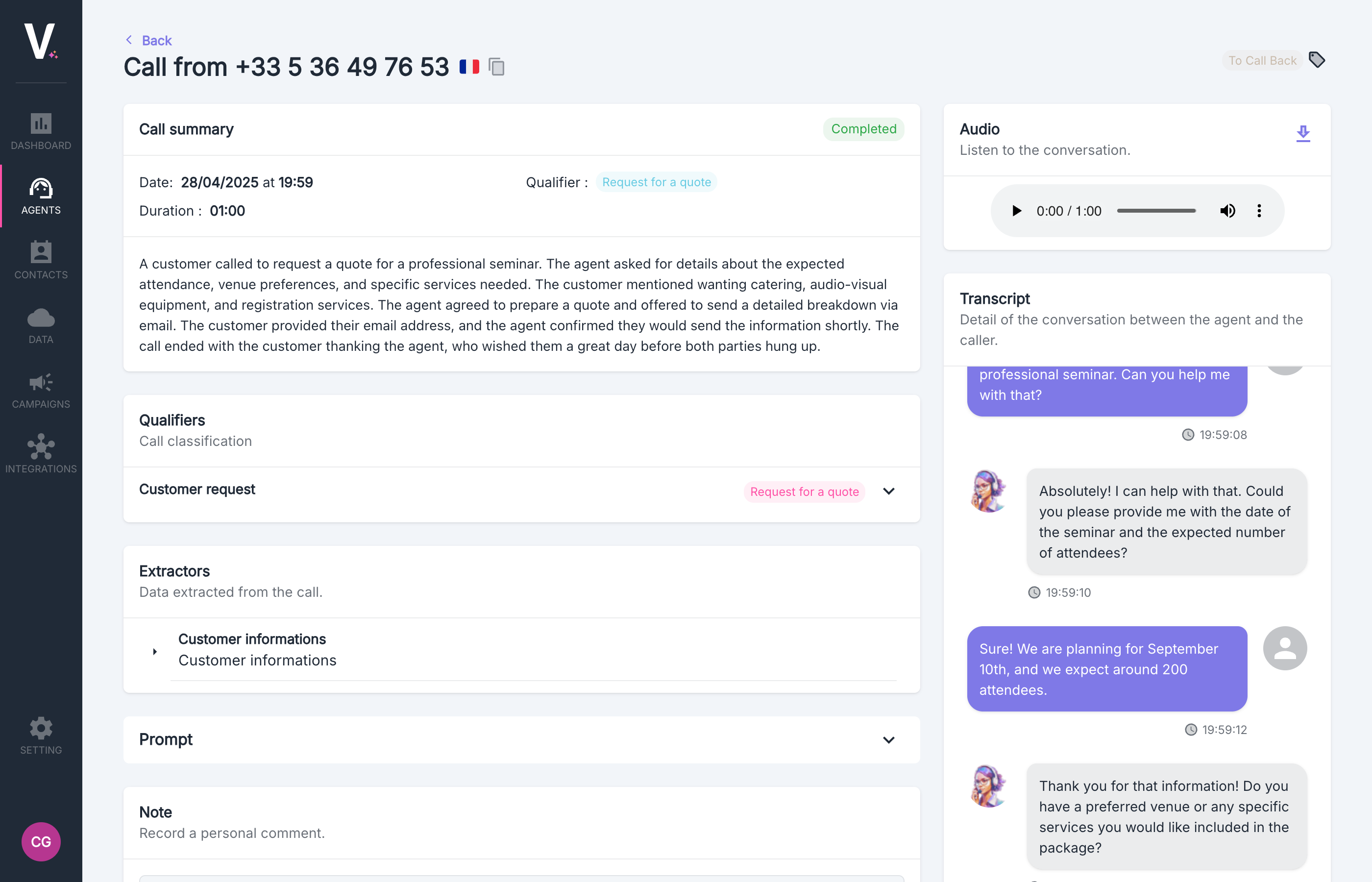 For more information, visit [the Call Details section](./product/calls/call-details)
## Next Step
Now that you have made and analyzed your first call, explore our detailed guides to optimize your agent's performance. Deepen your mastery of the platform by customizing prompts, configuring advanced extractors, and leveraging our analysis features to transform your phone interactions into true strategic assets.
Our documentation supports you at every step of your conversational automation journey.
Pin info to the side panel. Or add any other component.
For more information, visit [the Call Details section](./product/calls/call-details)
## Next Step
Now that you have made and analyzed your first call, explore our detailed guides to optimize your agent's performance. Deepen your mastery of the platform by customizing prompts, configuring advanced extractors, and leveraging our analysis features to transform your phone interactions into true strategic assets.
Our documentation supports you at every step of your conversational automation journey.
Pin info to the side panel. Or add any other component.