> ## Documentation Index
> Fetch the complete documentation index at: https://docs.volubile.ai/llms.txt
> Use this file to discover all available pages before exploring further.
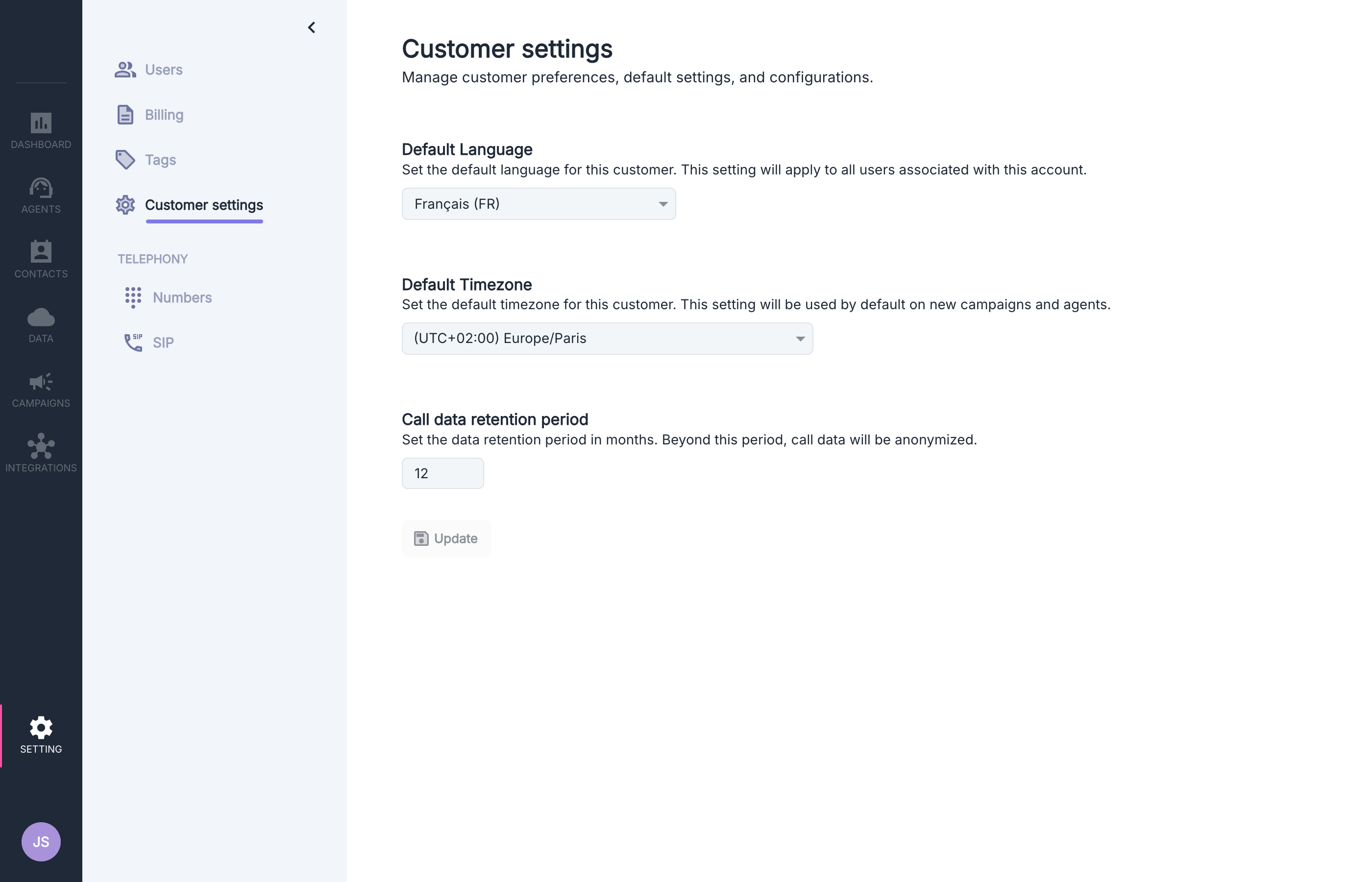
# Customer Settings
> Configure the default preferences for your customer account in Volubile
 ## Available Options
### Default Language
## Available Options
### Default Language
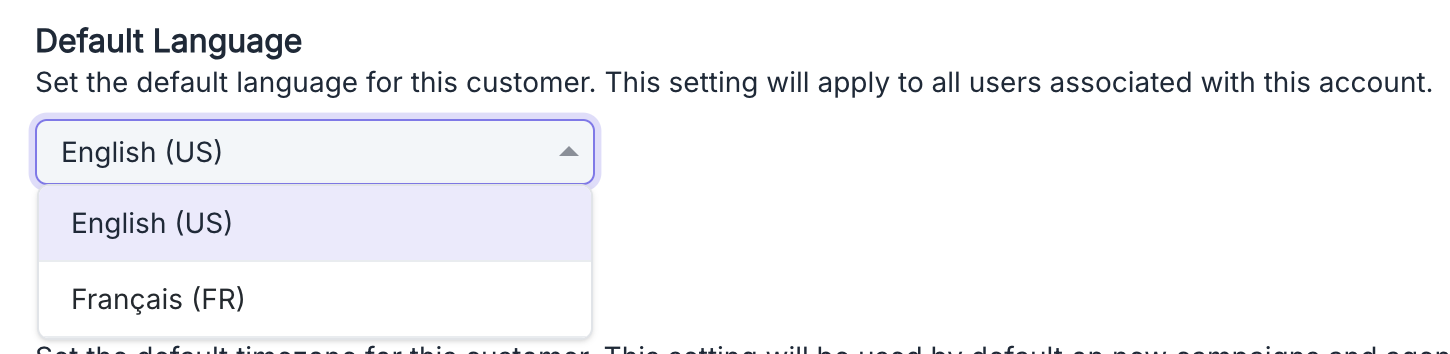 This option allows you to set the default language that will be applied to **new** items created in your account.
**Impact of this setting:**
* **New** users created will automatically have the interface in this language
* **New** agents will use this default language (prompt, voice, summaries, extractors, classifiers)
Each user can change their preferred language in their personal settings after creation.
Similarly, the language for each agent can be modified individually during its setup.
### Default Time Zone
This option allows you to set the default language that will be applied to **new** items created in your account.
**Impact of this setting:**
* **New** users created will automatically have the interface in this language
* **New** agents will use this default language (prompt, voice, summaries, extractors, classifiers)
Each user can change their preferred language in their personal settings after creation.
Similarly, the language for each agent can be modified individually during its setup.
### Default Time Zone
 This option allows you to set the default time zone that will be applied to **new** time-related features created in your account.
**Impact of this setting:**
* **New** agents will use this default time zone for all time-related functions, including:
* context injection with system.now
* time restrictions in transfer actions
The time zone can be modified individually for each agent after their creation.
For optimal management of your multi-user platform, ensure that the language and time zone
match those of the majority of your users and your main operational area.
### Data Retention Period
This option allows you to set the default time zone that will be applied to **new** time-related features created in your account.
**Impact of this setting:**
* **New** agents will use this default time zone for all time-related functions, including:
* context injection with system.now
* time restrictions in transfer actions
The time zone can be modified individually for each agent after their creation.
For optimal management of your multi-user platform, ensure that the language and time zone
match those of the majority of your users and your main operational area.
### Data Retention Period
 This option allows you to set how long personally identifiable information is stored for your call records.
**Impact of this setting:**
* All personally identifiable information related to calls beyond this period will be anonymized
* If the period is shortened, all calls created before that will be anonymized at once
Anonymization is irreversible once applied. If you shorten the retention period, all calls between the old and new period will be anonymized and cannot be restored.
### Multi-Factor Authentication (MFA)
This feature is not enabled by default. Please contact support to activate it on your account.
This option allows you to set how long personally identifiable information is stored for your call records.
**Impact of this setting:**
* All personally identifiable information related to calls beyond this period will be anonymized
* If the period is shortened, all calls created before that will be anonymized at once
Anonymization is irreversible once applied. If you shorten the retention period, all calls between the old and new period will be anonymized and cannot be restored.
### Multi-Factor Authentication (MFA)
This feature is not enabled by default. Please contact support to activate it on your account.
 This option allows you to require multi-factor authentication for all users on your platform.
**Impact of this setting:**
* All existing and new users must configure their multi-factor authentication
* Users cannot log in until they have enabled their MFA
* An activation email is automatically sent to each user with detailed instructions
#### Supported TOTP applications
Volubile uses the TOTP (Time-based One-Time Password) standard which generates 6-digit codes renewed every 30 seconds.
Compatible applications include:
* Google Authenticator
* Microsoft Authenticator
* Bitwarden Authenticator
When you enable this option, each user will receive an email containing a QR code to scan with their TOTP application and step-by-step configuration instructions.
This option allows you to require multi-factor authentication for all users on your platform.
**Impact of this setting:**
* All existing and new users must configure their multi-factor authentication
* Users cannot log in until they have enabled their MFA
* An activation email is automatically sent to each user with detailed instructions
#### Supported TOTP applications
Volubile uses the TOTP (Time-based One-Time Password) standard which generates 6-digit codes renewed every 30 seconds.
Compatible applications include:
* Google Authenticator
* Microsoft Authenticator
* Bitwarden Authenticator
When you enable this option, each user will receive an email containing a QR code to scan with their TOTP application and step-by-step configuration instructions.