> ## Documentation Index
> Fetch the complete documentation index at: https://docs.volubile.ai/llms.txt
> Use this file to discover all available pages before exploring further.
# Profile
> Managing personal information and account settings
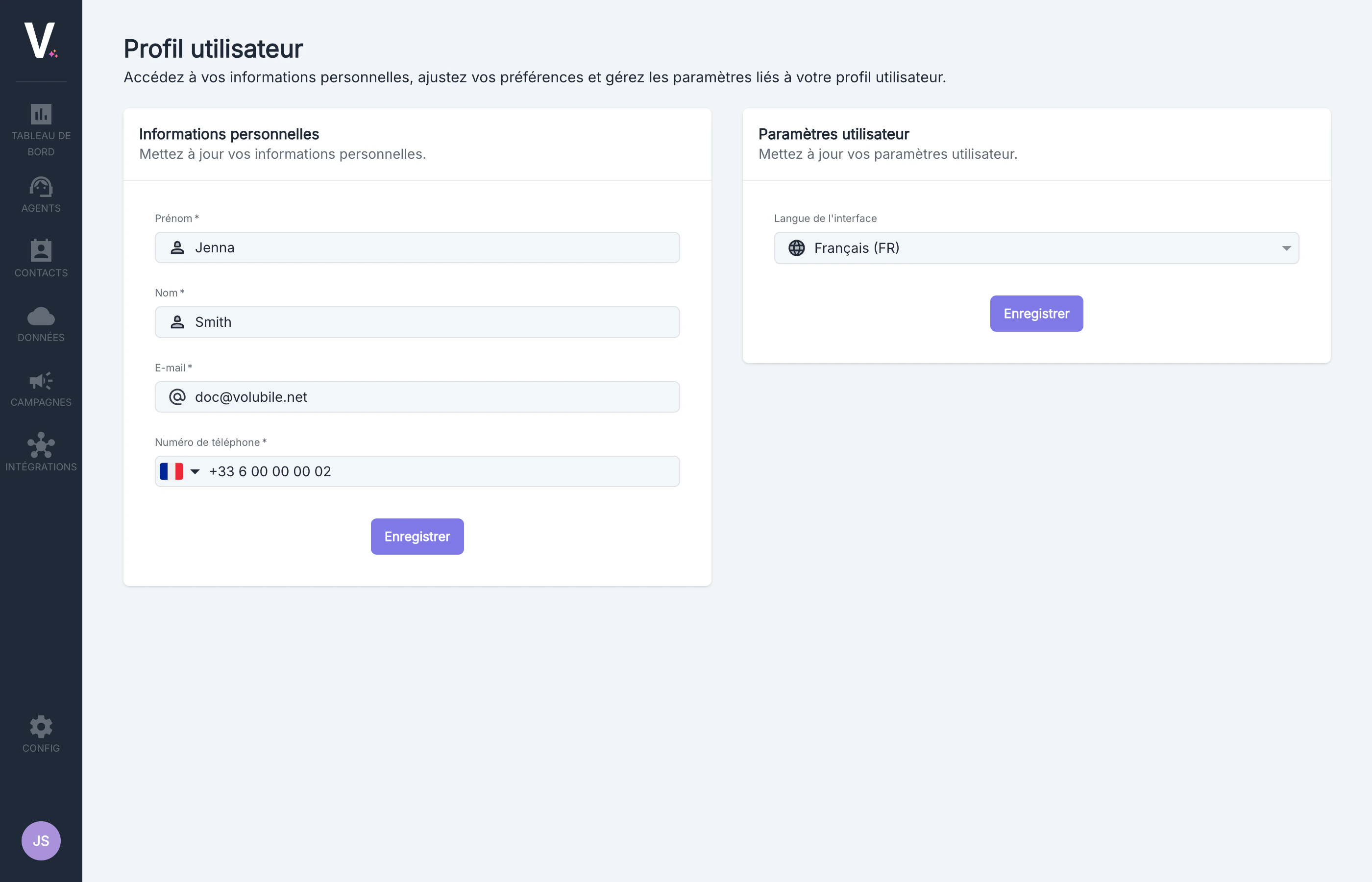 ## Accessing the User Profile
To access your profile:
1. Click on the circle containing your initials located in the bottom left corner of the interface.
2. A context menu will appear.
3. Select the `User Profile` option
## Accessing the User Profile
To access your profile:
1. Click on the circle containing your initials located in the bottom left corner of the interface.
2. A context menu will appear.
3. Select the `User Profile` option
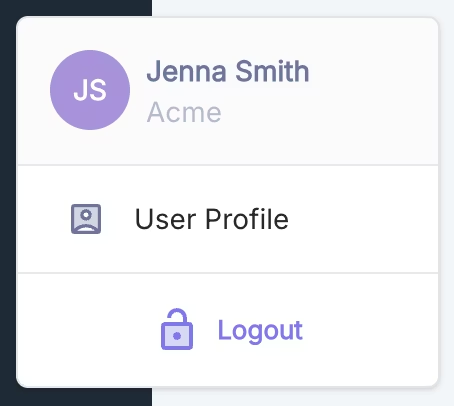 Access to the profile is available from any page on the platform, allowing you to update your information at any time.
## Personal Information
This section allows you to manage all the data related to your identity on the platform.
Access to the profile is available from any page on the platform, allowing you to update your information at any time.
## Personal Information
This section allows you to manage all the data related to your identity on the platform.
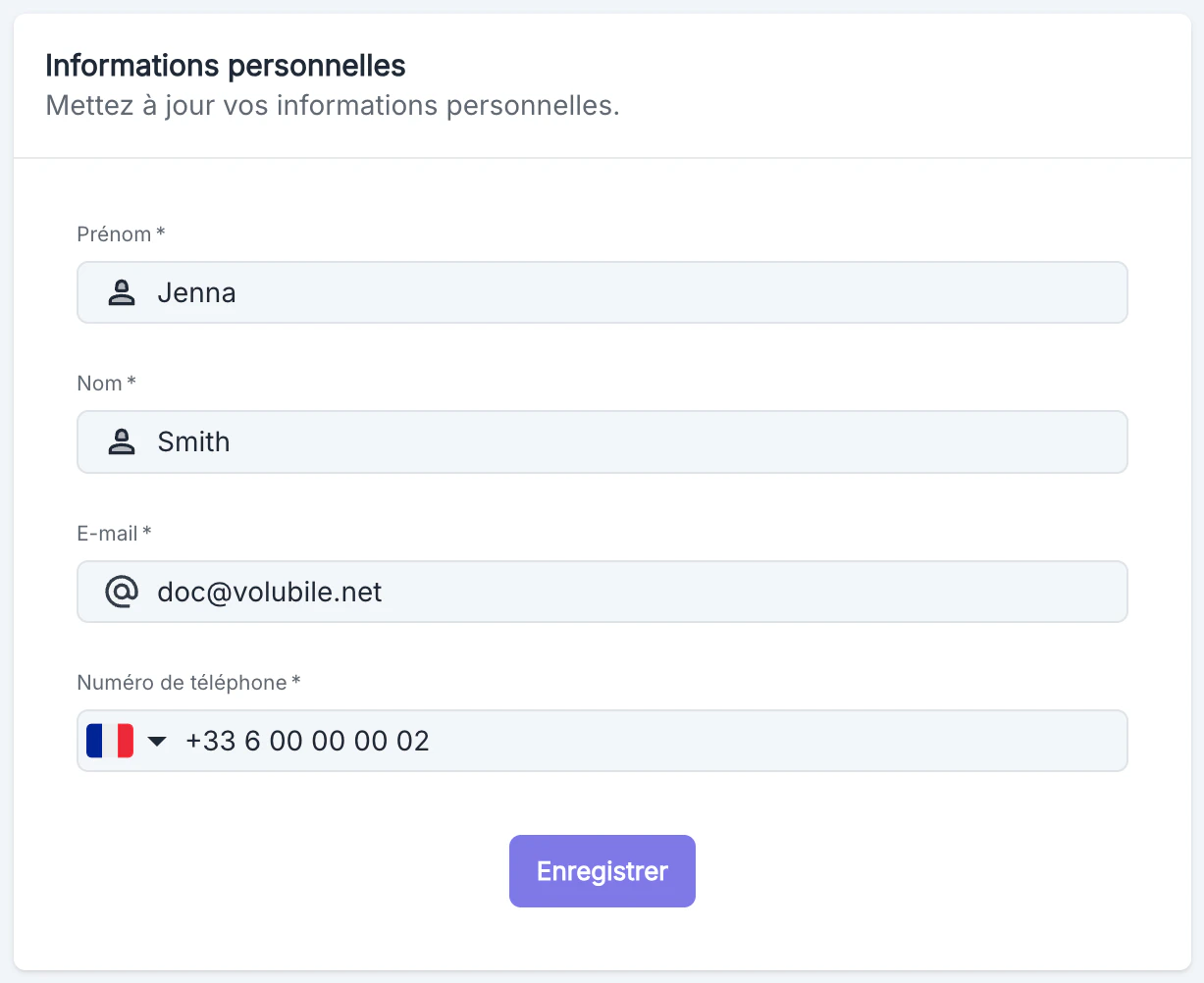 ### Available Fields
| Field | Description | Requirement | Editable |
| ---------------- | --------------------------------- | ----------- | --------- |
| **First Name** | Your first name | Required | Read-only |
| **Last Name** | Your last name | Required | Read-only |
| **E-mail** | Main email address of the account | Required | Read-only |
| **Phone Number** | Contact number with country code | Required | Editable |
### Modifying Information
To update your number:
1. Modify the desired field.
2. Click on the Save button at the bottom of the section.
3. A visual confirmation will appear to indicate that your changes have been saved.
## Interface Language
This section allows you to customize the display language of the Volubile interface.
### Available Fields
| Field | Description | Requirement | Editable |
| ---------------- | --------------------------------- | ----------- | --------- |
| **First Name** | Your first name | Required | Read-only |
| **Last Name** | Your last name | Required | Read-only |
| **E-mail** | Main email address of the account | Required | Read-only |
| **Phone Number** | Contact number with country code | Required | Editable |
### Modifying Information
To update your number:
1. Modify the desired field.
2. Click on the Save button at the bottom of the section.
3. A visual confirmation will appear to indicate that your changes have been saved.
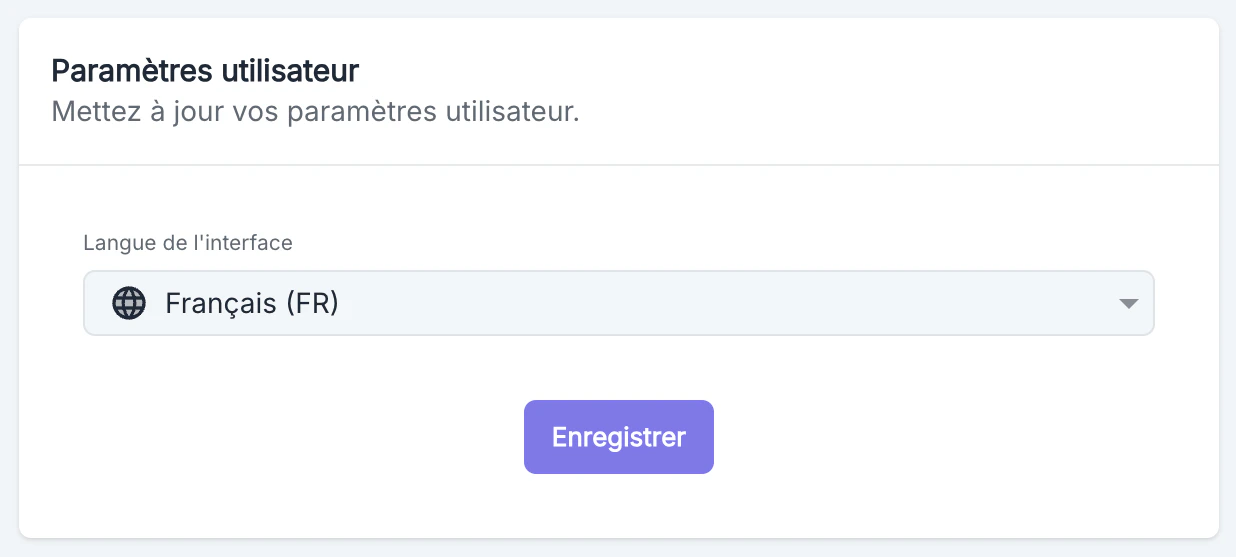
## Interface Language
This section allows you to customize the display language of the Volubile interface.