> ## Documentation Index
> Fetch the complete documentation index at: https://docs.volubile.ai/llms.txt
> Use this file to discover all available pages before exploring further.
# Agent Duplication
> The duplication feature allows you to quickly create a new agent based on an existing agent, maintaining its settings and configurations. This option is particularly useful when you want to deploy multiple agents with similar characteristics.
Duplicating an agent copies its configuration, but does not include the call history data or the statistics associated with the original agent.
## How to Duplicate an Agent
1. Navigate to the configuration page of the agent you wish to duplicate.
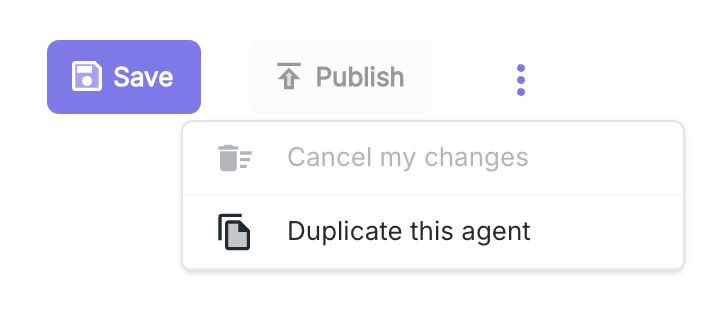
2. Click on the options icon (three vertical dots) in the top right corner.
3. Select the **"Duplicate this agent"** option from the dropdown menu.
 ## Duplication Configuration
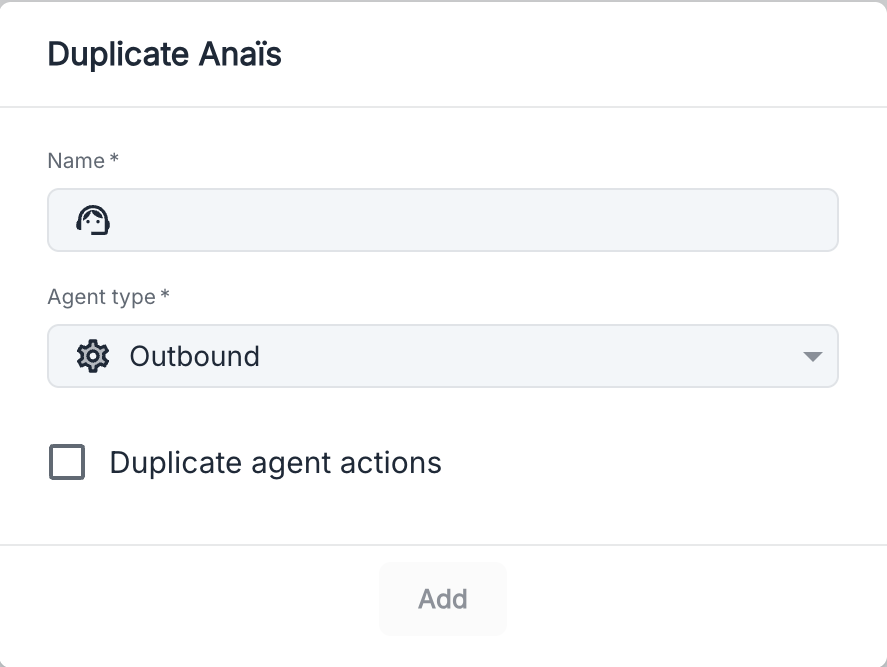
Once the option is selected, a modal window appears with the following duplication settings:
## Duplication Configuration
Once the option is selected, a modal window appears with the following duplication settings:
 ### Available Parameters
| Field | Description |
| -------------- | ----------------------- |
| **Name** | Name of the new agent |
| **Agent type** | Type of agent to create |
### Additional Options
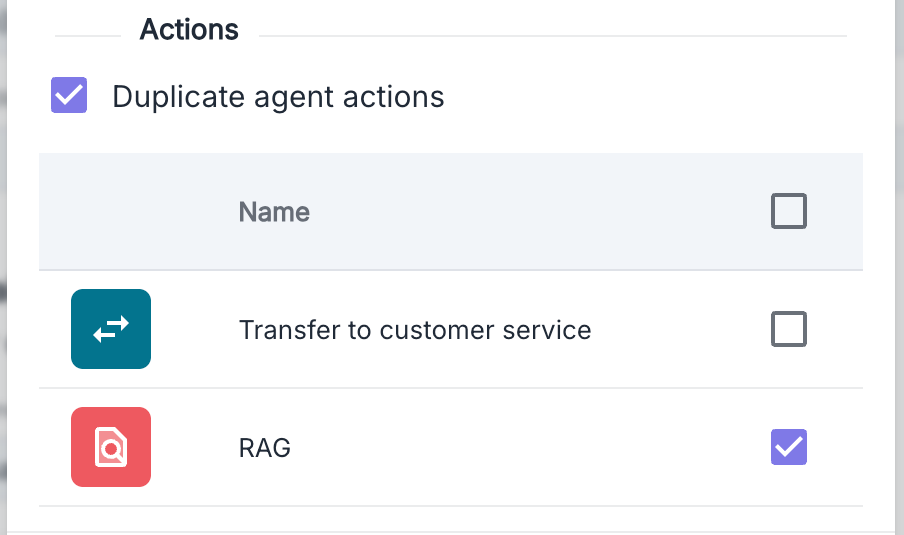
**Duplicate agent actions**: By checking this box, you can select the actions of the original agent that you wish to duplicate.
### Available Parameters
| Field | Description |
| -------------- | ----------------------- |
| **Name** | Name of the new agent |
| **Agent type** | Type of agent to create |
### Additional Options
**Duplicate agent actions**: By checking this box, you can select the actions of the original agent that you wish to duplicate.